Blogs by Chipin

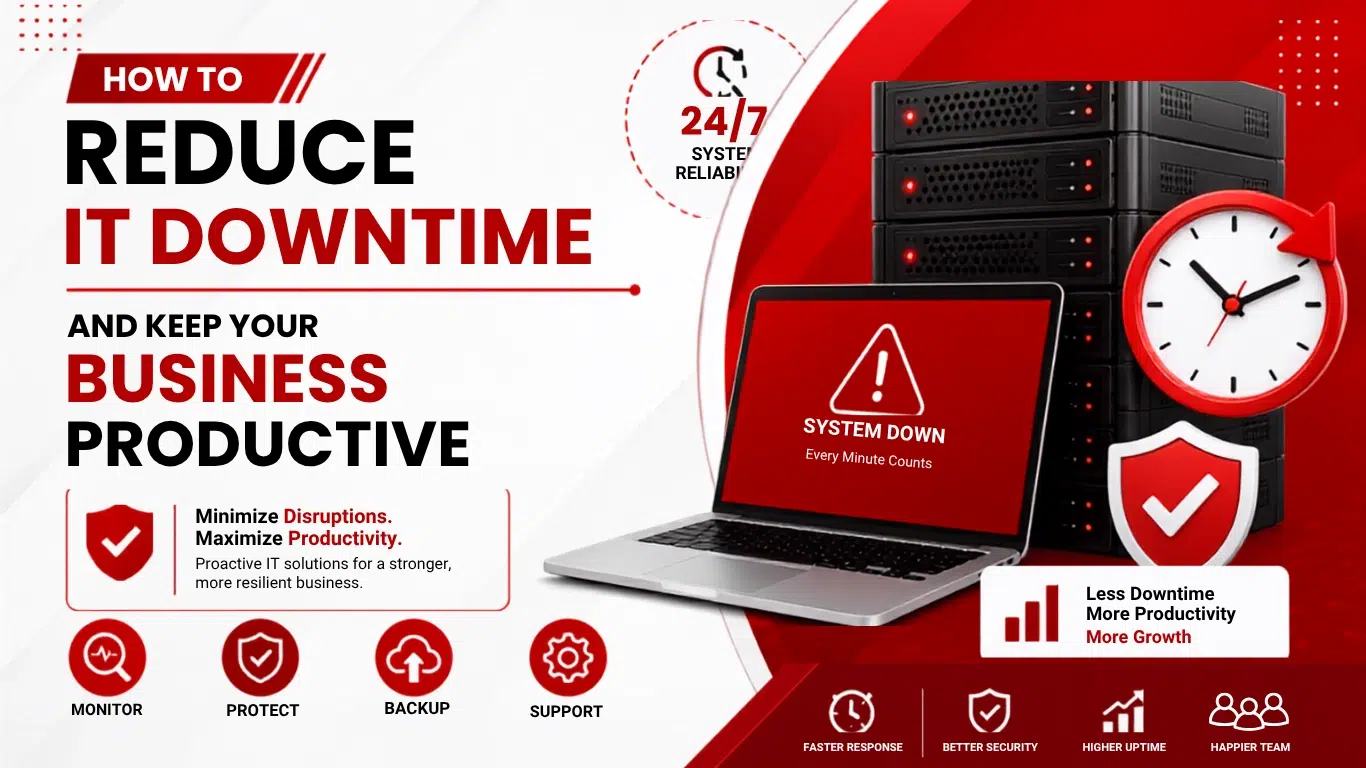
How to Reduce IT Downtime and Keep Your Business Productive

How to Reduce IT Downtime and Keep Your Business Productive

Technology is integral to day-to-day operations for nearly every business today. Staff typically need access to some combination of computers, servers, networks, and business software, as well as a host of cloud and communication tools, to perform their duties. The unexpected failure of any of these tools or systems can cause a rapid loss of productivity. Even very brief IT outages can cause a disruption in communication, a delay in service to customers, and the incurrence of avoidable expenses — all direct results of unplanned IT downtime.

Fortunately, the negative impact these outages can cause can be largely mitigated by a combination of proactive planning, regular preventative maintenance, systems monitoring, backups, and a sound IT support strategy. Rather than wait for a significant technical issue to disrupt day-to-day operations, businesses can take proactive measures to identify risks early and address smaller, less serious technical issues before they escalate into major disruptions that affect business operations. 

This guide identifies the causes of IT outages, their impact to businesses, and the measures that can be taken to maximize the reliability of business IT systems and the productivity of business staff.

What Is IT Downtime?

IT downtime is the period during which a resource is unavailable or is not operating as expected. There are many elements of IT systems that can experience downtime, such as applications, networks, servers, devices, and other resources. IT downtimes affect employees, departments, and entire organizations, depending on what resource is having the problem.

 IT downtime can be scheduled or unexpected. Schedules for IT downtime can be designated for maintenance, software updates, and even hardware changes. However, even if employees are aware of scheduled IT downtimes, they create inconveniences and disruptions to the business. Unexpected downtimes cause even more disruptions.

 IT downtimes create significant disruptions to business operations. Even just a couple of minutes of downtime can prevent employee access to business applications and disrupt communications with customers. For an organization to operate an IT environment that is relatively free of disruptions, it is necessary to understand the causes of IT downtimes.

Common examples include:

  • Network outages
  • Server failures
  • Hardware problems
  • Software crashes
  • Cybersecurity incidents
  • Power interruptions
  • Internet connectivity problems
  • Failed updates
  • Storage failures
  • Human errors

Why IT Downtime Is a Serious Business Problem

Why IT Downtime Is a Serious Business Problem

When a system fails, employees are fabricating ways around the broken tech for a while, but eventually are unable to do their jobs. Tech disruptions can make even the simplest tasks difficult, from ordering supplies to processing orders and even simplifying communications.

The disruptions can spread to multiple departments. For example, if the network goes down, the sales department may not be able to access the customer databases while the accounting department may be unable to access the financial applications.

Lost Productivity

When the system goes down, employees are unable to perform their tasks, and in most cases, there is a system that is used by multiple departments, and the productivity loss is magnified. 

Revenue Loss

If a business is dependent on a system to interact with customers and that system is down, business is lost. Prolonged outages may even cause customers to cease doing business with the company. 

Customer Frustration

When outages keep happening, customers start losing trust in your business’s reliability. Over time, that frustration pushes them to look elsewhere, and competitors are often just one search away.

Data and Security Risks

If there is an outage and a business does not have proper security and recovery systems, the business can become vulnerable from a security and compliance perspective, and it can become more difficult to recover the systems. 

Recovery Costs

Emergency repairs can cost considerably more than proactive maintenance and monitoring. Businesses may also have to pay overtime, emergency service fees, or replacement costs when failures are not addressed early. 

Reducing IT downtime should not be an afterthought in an organization’s technology strategy. Rather, it should be built into the strategy from the beginning.

Common Causes of IT Downtime

A risk assessment should come before establishing a prevention strategy. Each organization has its own unique set of challenges based on its own structure, employee count, tools and technology used, and its place in the market.

Consistently occurring incidents and problems tend to point out maintenance and investment focus areas for the business that will reduce the risk of operational disruptions.

Hardware Failures

Failing hardware can be problematic, for any number of reasons. Age, overheating, power interruptions, and physical damage can all lead to the failure of critical business equipment. This can result in employees losing access to the tools and resources that they use every day in business.

Inspections of hardware before the planned refresh can be coupled with periodic hardware performance monitoring to identify warning signs that hardware is on the verge of a complete failure.

Network Problems

Failures of some network hardware can make important systems inaccessible to employees. Network hardware failures can be particularly problematic due to business reliance on cloud-based systems.

Designing a business network in a way that addresses and lessens these risks, along with regularly scheduled evaluations of network hardware performance, business connectivity, and network configuration can solve a majority of network availability issues.

Network Infrastructure Solutions can provide the tools and technology to design a business network with a focus on lessening the risk of disruptive incidents to network availability.

Software Issues

Failure of software applications can be the result of a number of issues. Bugs, incompatibility after updating, misconfiguration and even inadequate integration can all bring applications to an inoperable state.

Rather than categorically installing every update, businesses should keep a steady update process to manage compatibility issues. Major updates should be assessed and tested as necessary prior to being implemented across the enterprise.

Cybersecurity Incidents

Ransomware, malware, and phishing are just some examples of cyber threats which can cripple normal business functions. Once a successful cyberattack is launched, employees can be blocked from accessing vital resources like files and applications.

Prevention, detection, and backup strategies combined with employee education, and incident response are essential components of any security system. Cybersecurity Solutions can be designed to meet the protection needs of an organization based on its operational and infrastructural needs.

Power and Environmental Problems

Power and Environmental threats comprises power interruptions, spikes and dips in voltage, overheating, humidity and poor server room conditions. These can lead to hardware failure and apply stress to IT equipment and cause unplanned outages. These threats are often ignored until they impact normal business functions.

Implementation of Uninterruptible Power systems, appropriate cooling and power protection, and environmental monitoring of IT equipment can help build the reliability of critical IT Systems and enhance the resiliency of the overall systems.

10 Effective Ways to Reduce IT Downtime

10 Effective Ways to Reduce IT Downtime

IT downtime cannot truly be eliminated by taking a reactive approach — by waiting for technologies to break to fix problems. Companies that fix issues by bringing in IT support to monitor and maintain processes more often have fewer problems with technology. 

The following practices can help organizations improve reliability while keeping their employees productive.

1. Perform Regular IT Maintenance

Scheduling routine IT Maintenance inevitably means fewer disruptions to the company and fewer instances of technologies failing. Systems and technologies that are neglected to be checked develop minor issues that often go undetected and become critical.

Businesses should regularly inspect servers, computers, network equipment, storage systems, security devices, and software. Maintenance can identify outdated components, storage issues, configuration problems, and other warning signs.

This is essential for companies that have server-dependent applications and for companies that have critical server services.

2. Monitor Critical Systems

Companies should not depend on employees relaying reports for when there are critical outages. Monitoring critical systems means that activities that are abnormal and disruptions that are critical, and are often missed by employees, can be detected.

For example, if a server’s storage is nearly full, resolving the issue early can prevent applications from becoming unstable or stopping completely. 

Monitoring systems also helps IT teams know how critical systems are functioning and helps crystallize issues with systems to implement long term solutions.

3. Maintain Reliable Backups

System failures will be mitigated from regular maintenance if a good backup strategy is utilized. No company should ever have a dependency on one backup. 

A reliable backup strategy may include:

  • Automated backups
  • Off-site backup copies
  • Cloud backups
  • Multiple backup versions
  • Regular recovery testing

Reliable Cloud Backup Solutions not only provide backups, but also provide additional protection and make important data easier to access.

Having the backup copies alone isn’t enough. Backup copies should be able to be restored when the time comes to access them.

4. Keep Hardware and Software Updated

Having outdated hardware and software can lead to increased security, reliability, and other risks. Keeping an inventory of all technology used by a business can help implement a controlled schedule for updates.

Software updates may need to be installed or may be left until they are a critical need. Hardware should be replaced as it ages to avoid repeated failures.

This method helps keep the latest technology in a business, but avoids disruption by outdated technology and poorly executed updates, a common trigger for IT downtime.

5. Protect Against Cyber Threats

Cybersecurity should be included in the prevention of downtime. Attacks of ransomware or malware can cause employees to not be able to access important business systems. 

Businesses should consider implementing:

  • Endpoint protection
  • Firewalls
  • Email security
  • Multi-factor authentication
  • Access controls
  • Employee security training
  • Regular security assessments
  • Tested backups

Combining these controls reduces the probability that a security incident will become a prolonged outage.

6. Use Redundancy for Critical Systems

Redundancy is expensive and is not warranted for most business systems. However, critical systems should have redundancy. Single point failures of critical systems can be damaging to a business.

Redundancy can be anything from additional Internet connections, additional storage, failover systems, backup power, to additional paths in a network.

If business systems are designed so that a failing element is supported by other elements, the downtime required for a failing system is reduced.

7. Create a Disaster Recovery Plan

Business needs to have a recovery strategy in the event of one of the business systems suffering a catastrophic failure. A recovery strategy in the event of a disaster outlines the business recovery processes for setting up and launching recovery of critical business systems. 

A useful plan should define:

  • Critical systems
  • Responsible team members
  • Backup locations
  • Recovery procedures
  • Communication processes
  • Recovery priorities

The plan should also be tested periodically. A document that has never been tested may not work as expected during a real emergency. 

8. Train Employees

Human error is a common cause of technology failure and remains one of the least mitigated. Staff are the cause of technology failure by accidentally deleting files, clicking on websites they should not, deleting and failing to authorize software or altering business systems.

Regular training should cover phishing awareness, password security, safe browsing, data handling, and reporting suspicious activity. 

Employees actively contribute to reducing the risk of downtime by being the first to report issues that have the potential to impact IT systems.

9. Establish an IT Support Process

Employees need to know who to go to when something goes wrong technically. A support process provides businesses with a means to prioritize key incidents and to process issues of high impact and urgency.

Proactive monitoring and maintenance, troubleshooting, and support through Managed IT Services eliminate a business’s burden of handling all of its IT issues.

Support processes help track issues that occur repeatedly in a workplace. This highlights areas for improvement that require a permanent solution.

10. Review IT Performance Regularly

The goal of managing IT resources is to minimize IT downtime. A consistent assessment of the IT environment is necessary to ensure the systems are not taken for granted, assuming they will all function optimally.

Common failures, issues staff report frequently, outdated hardware, and security concerns, to name a few, all constitute a poor IT environment, and an appropriate assessment identifies all of these.

The expected outcome of a review is to gain an understanding of the greatest opportunities for enhancement to the IT environment.

How Proactive IT Support Helps Prevent Downtime

Reactive IT support focuses on fixing problems after they happen, while proactive support focuses on preventing them in the first place. This difference can have a significant impact on business continuity.

For example, instead of waiting for a server to fail, proactive IT support can monitor its performance, check storage health, apply appropriate updates, and identify hardware warning signs.

A proactive approach may include:

  • 24/7 monitoring
  • Preventive maintenance
  • Security monitoring
  • Backup management
  • Patch management
  • Performance optimization
  • Help desk support
  • Regular IT assessments

For growing businesses, proactive Managed IT Services can provide a structured way to maintain technology without requiring a large internal IT department.

How to Measure IT Downtime

How to Measure IT Downtime

Businesses cannot improve what they do not measure. Tracking downtime helps organizations understand whether their IT environment is becoming more reliable or whether the same problems continue to occur.

Useful metrics include:

Total Downtime

Add up how many hours your systems were down over a set period, like a month or quarter. Watching this number trend over time tells you if your reliability is actually improving.

Frequency of Incidents

Keep track of how often outages or technical hiccups happen, not just their severity. A pattern of frequent small issues can hurt your business just as much as one big outage.

Mean Time to Recovery

Measure how long it typically takes to get systems back up after something breaks. The faster your recovery time, the less impact an incident has on your business and customers.

Mean Time Between Failures

Note how long systems run smoothly before the next failure hits. A gap that keeps growing over time is a good sign your preventive maintenance is actually paying off.

Recurring Problems

Watch for the same issue showing up again and again instead of treating each occurrence separately. Solving the root cause once is far more effective than patching the same problem repeatedly.

What Should Businesses Do When an Outage Happens?

Even with good preventive measures, some outages are unavoidable. When IT downtime occurs, businesses should avoid panic and follow an established incident response process.

First, identify which systems are affected and determine whether the issue is isolated or widespread. Then prioritize critical services and begin troubleshooting based on the recovery plan.

Employees should also be informed about the issue and given realistic updates rather than repeatedly contacting IT for information. Clear communication can reduce confusion while the technical team works on recovery.

Once the system has been restored, the incident should be documented and reviewed. The goal is not simply to fix the current problem but to understand why the outage occurred and how a similar incident can be prevented in the future.

Building a More Reliable IT Environment

Building a More Reliable IT Environment

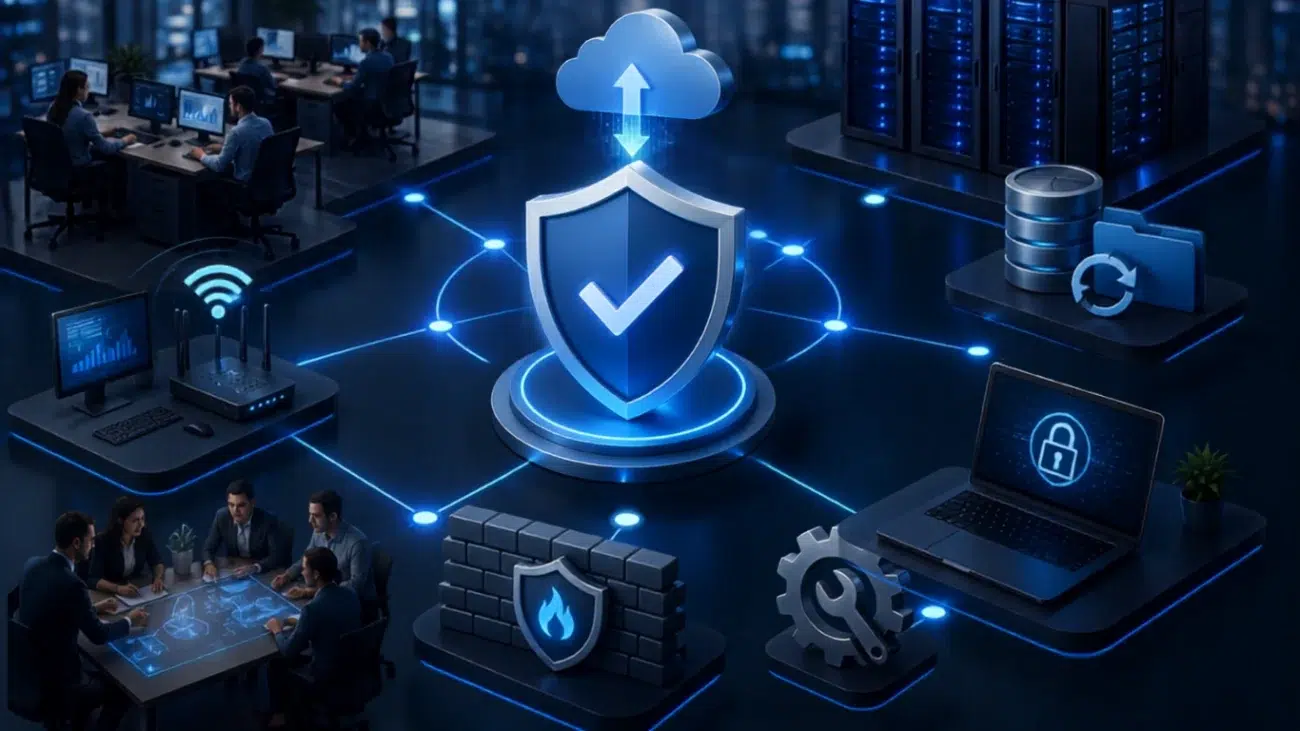
There are various protection layers for creating an IT environment that a business can trust. It is imperative that a business does not rely on a single security mechanism to eliminate all possible technology issues.

A good method is a combination of:

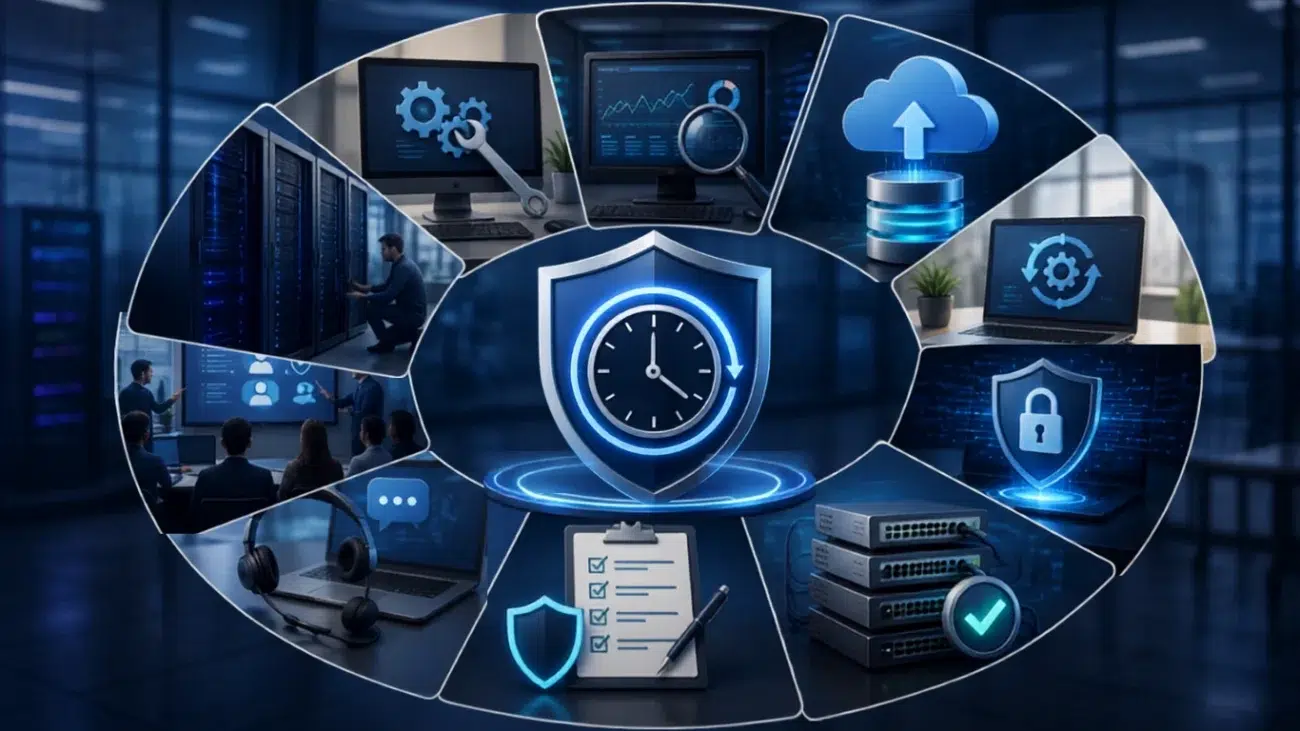
Preventive maintenance + monitoring + cybersecurity + backups + employee training + disaster recovery + professional support

As an example, backups cannot prevent a network outage, while cybersecurity cannot prevent every hardware failure. All of the mechanisms mentioned above add to the creation of a strong and robust IT environment.

Another way businesses can better the IT environment is through the regular assessment of existing IT structures. Deficiencies and gaps in design and structures that aren’t in IT and business alignment should be addressed through modernization.

The aim should always be to create a preventive environment that promotes the early detection of issues. The major systems should be safeguarded. Recovery plans should be enacted prior to the occurrence of an IT structural interruption.

How Chipincorp Can Help Reduce IT Downtime

At Chipincorp, we help businesses build and maintain reliable technology environments designed around their operational requirements. Every business has different infrastructure, applications, security needs, and levels of IT dependency, so support should be based on those specific requirements.

Our services can help organizations proactively manage infrastructure, improve security, protect business data, and respond quickly when technical problems occur.

Businesses can benefit from services such as:

  • Managed IT Services
  • Cybersecurity Solutions
  • Cloud Backup Solutions
  • Network Infrastructure Solutions
  • IT Infrastructure
  • Microsoft 365 solutions
  • IT consulting and technical support

Instead of waiting for technology problems to interrupt your business, a proactive IT strategy can identify risks earlier and help keep employees productive.

Final Thoughts

Reducing IT downtime starts with an understanding that perfect IT systems do not exist. It is about making your business resilient to the commonplace failures of technology by implementing the systems to detect problems before they disrupt business operations as well as the ability to recover from disruptions quickly.

Maintaining systems, monitoring systems, securing systems, backing up systems, and creating redundancy along with training employees and creating a disaster recovery plan are the building blocks to business continuity.

For companies that are scaling, the active management of IT systems will be a better use of resources than addressing frequent IT emergencies. IT systems that are actively managed will give employees the confidence that the systems will be available.

When confidence in systems increases, employees will be able to maintain focus, customer experience will improve, and operations will be much more certain.

Ready to Reduce IT Downtime?

Don’t wait for the next server failure, network outage, or security incident to disrupt your business. Chipincorp can help you assess your current IT environment and build a more reliable, secure, and proactive technology strategy.

Contact Chipincorp today to discuss your IT requirements and find the right solution for your business.

Frequently Asked Questions

Common causes include hardware failures, network problems, software issues, cybersecurity incidents, power failures, human errors, and inadequate maintenance. Identifying the most common causes in your own environment can help you prioritize preventive measures.

Businesses can reduce downtime through preventive maintenance, system monitoring, cybersecurity, reliable backups, employee training, redundancy, and disaster recovery planning. Regular IT assessments can also identify weaknesses before they cause major disruptions.

The frequency depends on the type and importance of the system. Critical servers, networks, and security systems should be monitored continuously, while scheduled maintenance should be performed regularly based on the organization's infrastructure and business requirements.

Yes. Reliable cloud backups can help businesses recover important data after hardware failures, accidental deletion, ransomware, or other incidents. However, backups should be tested regularly to ensure successful recovery when they are actually needed.

Reactive support fixes problems after they happen. Proactive support identifies potential issues earlier through monitoring, maintenance, security management, and regular assessments, helping reduce unexpected disruptions and improve overall system reliability.

Cybersecurity incidents such as ransomware and malware can make systems or data unavailable. Strong security controls, employee training, monitoring, and tested backups can reduce both the risk and potential impact of these incidents.