Blogs by Chipin

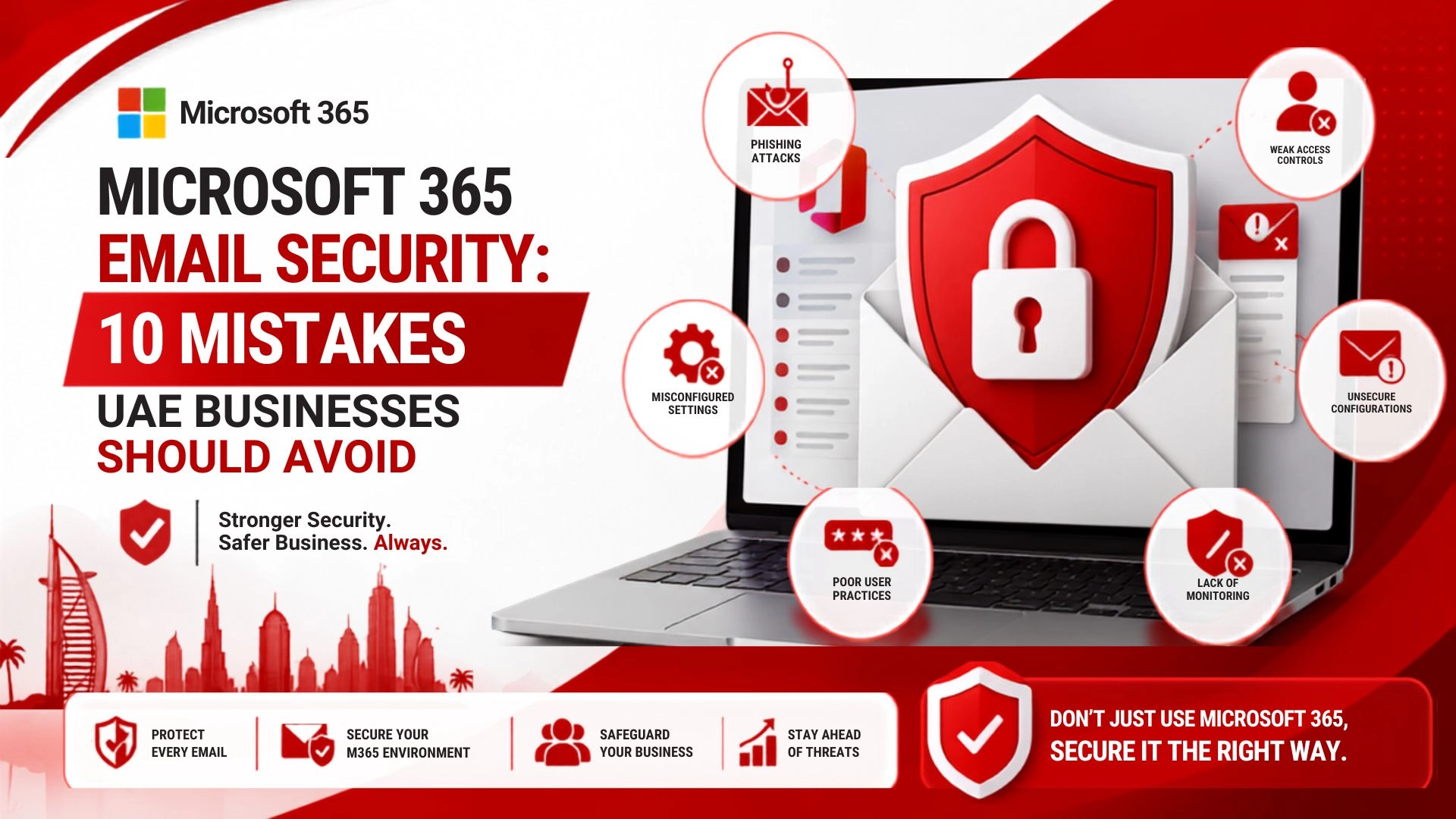
Microsoft 365 Email Security: 10 Mistakes UAE Businesses Should Avoid in 2026

Microsoft 365 Email Security 10 Mistakes UAE Businesses Should Avoid in 2026

Email is the backbone of business communication, which is why UAE businesses leverage it for customer communication, sending out invoices, contracts, staff management etc. From this perspective, business emails are highly valuable for cyber criminals.

While Microsoft 365 offers businesses a wealth of productivity and security enhanced, cloud-based resources, businesses do not have a secure environment just because they own a subscription. Weak configurations, weak authentication, excessive permissions, phishing, and inadequate device protection can all lead to exposure of business accounts.

For businesses in Dubai, Abu Dhabi, Sharjah, and all other UAE businesses, Microsoft 365 email security should be a part of an integrated approach to cybersecurity. This will cover the safety of employees, identities, endpoints, cloud data, networks, and more.

In this guide, we will cover the 10 most common mistakes made by businesses and how to implement more robust email security.

Why Microsoft 365 Email Security Matters

In today’s world, phishing attacks are extremely sophisticated and can impersonate just about anybody.

If an attacker gains access to an employee’s account, they can gain access to numerous emails, financial data, and customer records. An attacker can even use it to gain access to other employees.

Depending on the configuration, a Microsoft 365 environment can provide a series of protections. However, the controls must be adapted to fit the customer’s environment.

For UAE businesses, strong email security should cover:

  • Business email accounts
  • Employee identities
  • Administrator accounts
  • Remote access
  • Mobile devices
  • Cloud applications
  • Sensitive business data
  • Backup and recovery
  • Employee awareness

The security measures above, in conjunction with adequate employee security awareness, can greatly assist the UAE company in preventing compromised email accounts from turning into a significant business security concern. 

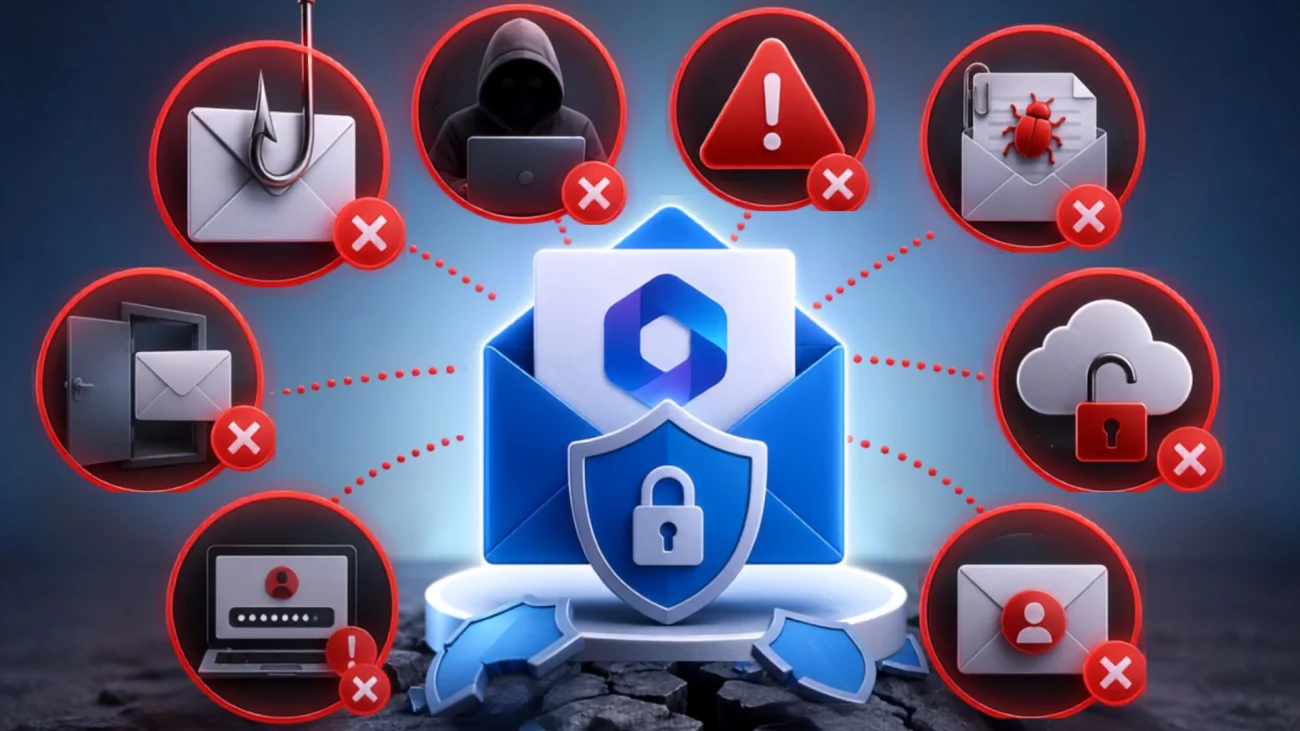
10 Microsoft 365 Email Security Mistakes to Avoid

10 Microsoft 365 Email Security Mistakes to Avoid

1. Relying Only on Passwords

While passwords do play an important role in securing accounts, security that relies on passwords alone presents unnecessary risks to systems. Passwords can be stolen in a number of ways, including through a phishing attack, malware, credential stuffing attacks, social engineering, and credential leaks.

A strong password is no protection to a user if the employee enters the password on a fake sign in page.

Microsoft 365 businesses should enable strong authentication and avoid using passwords as the only line of defense.

As multi-factor authentication becomes more commonplace, businesses should support their employees in the use of unique passwords to prevent credentials from being reused across accounts.

Account reviews prompt case closures for suspicious users and help businesses identify and eliminate access for inactive users.

A stronger authentication strategy makes it significantly more difficult for attackers to gain access using stolen credentials. 

2. Ignoring Multi-Factor Authentication

Multi-factor Authentication, most commonly referenced as MFA, is used in modern technology to validate a user through multiple authenticators in a sequential flow.

When a password is stolen, MFA becomes very effective since users are required to use another authenticator to validate their identity.

Microsoft 365 businesses should strongly consider implementing MFA across all employee, administrator, remote employee, and other user accounts that access sensitive resources.

Business MFA should be a priority for administrator accounts since these users control critical settings and company data.

MFA should not be used as a single line of defense. It works best alongside phishing protection, endpoint security, identity monitoring, and employee awareness. 

To stay current with the modern workforce, companies should evaluate authentication policies on a regular basis.

3. Failing to Protect Against Phishing

Phishing continues to be one of the most common methods attackers use to target businesses.

A phishing message may look like a legitimate email from a customer, supplier, manager, bank, or cloud service. The attacker may attempt to convince the recipient to click a link, open an attachment, provide credentials, or transfer money.

Modern attacks are becoming more sophisticated, with AI-powered phishing making fake emails easier to create and personalize.

Businesses should therefore combine technical protection with employee education.

Employees should know how to identify:

  • Unexpected login requests
  • Urgent payment instructions
  • Suspicious attachments
  • Unusual sender addresses
  • Fake password-reset messages
  • Unexpected requests for confidential information
  • Links that lead to unfamiliar websites

A strong Microsoft 365 configuration can reduce exposure to malicious messages, while trained employees provide another important layer of defense.

4. Misconfiguring SPF, DKIM and DMARC

Email authentication is an important part of business email security.

SPF, DKIM and DMARC allow businesses to send and receive emails with confidence.

SPF

Sender Policy Framework identifies authorized mail servers that can send messages on behalf of a domain.

DKIM

DomainKeys Identified Mail uses a digital signature to help receiving systems verify that an email is associated with the sending domain.

DMARC

DMARC builds on SPF and DKIM and allows domain owners to define how receiving systems should handle messages that fail authentication.

Businesses using Microsoft 365 should review these configurations carefully, particularly when they also use third-party marketing, CRM, newsletter, or transactional email platforms.

Incorrect DNS configurations can affect legitimate messages, so businesses should plan and test changes carefully.

Proper email authentication can also help strengthen protection against email spoofing and domain impersonation.

5. Giving Employees Excessive Permissions

Employees rarely need access to every application, mailbox, folder, or administrative function.

Possessing more permissions than necessary will expand the possible effect of a single compromised account.

The rule of least privilege should be followed. Give employees the required access only.

Within Microsoft 365, organizations should regularly review:

  • Administrator roles
  • Shared mailbox permissions
  • Guest accounts
  • External sharing
  • Application permissions
  • Inactive accounts
  • Privileged users

Permissions should be reviewed if an employee changes departments or his or her job responsibilities change.

Access permissions should be removed for an employee when he or she leaves the company.

Restricting access permissions will reduce the total amount of information that a possible attacker could access from a single compromised account.

6. Underestimating Business Email Compromise

Business Email Compromise, or BEC, shows that there is financial and operational danger posed beyond traditional malware.

An attacker can take over an employee’s email and send a command to the finance department, or impersonate a senior executive and use an email to send commands to the finance department.

These attackers may ask to make an immediate payment, or ask to change the bank details of one of the suppliers.

BEC attacks rely on victim staff being unaware that an account has been compromised. The compromise is commonly disguised as a message sent from a trusted staff member.

A business can help avoid a loss due to BEC by implementing a financial request verification procedure.

Large payments, changes to supplier bank details, or even an unusual financial instruction should be verified using the out of band communication method of choice.

Microsoft 365 security tied to improved internal financial controls can mitigate the risks of becoming a victim of a BEC attack.

7. Failing to Secure Administrator Accounts

Administrator accounts have extra power over a company’s IT system, so some protection must be granted to them.

An attacker able to obtain a privileged account could potentially gain access over a company’s users, applications, protection configurations, and other company resources.

Any customers using Microsoft 365 must evaluate the scope of their administrative access.

Organizations should consider:

  • Separate administrator accounts
  • Strong MFA
  • Limited privileges
  • Regular account reviews
  • Security monitoring
  • Restricted administrative access

Administrative privileges should not be granted to all IT personnel.

All unnecessary administrator accounts must be removed or disabled.

The protection of elevated access privileges is an important key to identity security, and may help mitigate the risks and impacts from the compromise of a privileged account.

8. Ignoring Remote and Mobile Access

These days, employees use their business emails from a variety of devices, both work and personal.

They have the option to work from home or other locations, which leads to different networks. Employees use their business emails almost anywhere, including hotels, airports, and customer locations.

This leads to different security concerns when using a Microsoft 365 program.

Businesses need to view what devices have access to their business resources and see if those devices are secure.

Endpoint security and remote access also need to be considered, along with access policies and authentication measures.

Endpoint Protection helps to protect company business devices and laptops from harmful viruses and suspicious activities.

A secure mailbox cannot fully protect a business if the device accessing it is compromised. Email security and device security should work together to keep the business protected. 

9. Assuming Cloud Email Means Automatic Backup

The cloud and data backup are not the same.

Many will assume that if their email is hosted in the cloud, they won’t have to worry about data recovery.

An organization will need to assess their needs to protect emails, documents, and information stored in the cloud.

For organizations where Microsoft 365 is a large part of the business, an adequate backup and recovery strategy will enhance their business continuity.

Organizations will need a backup recovery strategy in the event data is lost due to an accidental deletion, a malicious act, or any other reason.

An organization will have to decide what data requires protection, how much time data protection is needed, and how quickly data should be recovered.

A dependable Microsoft 365 backup solution can support and enhance email protection measures.

10. Never Reviewing Security Settings

One of the worst mistakes you can make as a business is thinking about email security as a one-time setup.

Things are always changing for companies. People come and go, new applications are used, and the permissions and devices used to connect to company systems change.

The same is true for threats.

This means companies should be looking at their Microsoft 365 environment all the time.

Important areas to monitor include:

  • Suspicious sign-ins
  • Authentication activity
  • Email forwarding rules
  • Administrator accounts
  • External sharing
  • Application permissions
  • Inactive users
  • Security alerts
  • Unusual mailbox activity

Continuous reviews are your best bet to catch configuration issues and suspicious behavior before they lead to major incidents. 

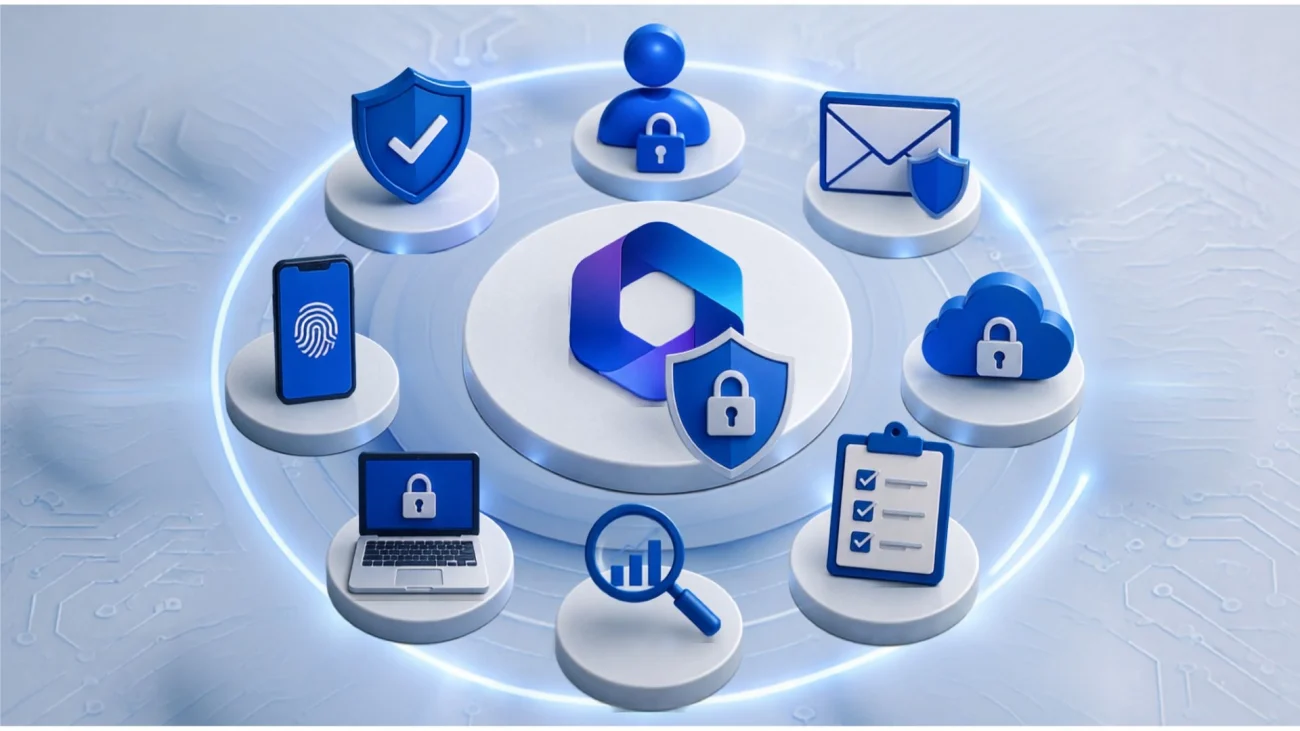
Important Microsoft 365 Security Controls to Review

Important Microsoft 365 Security Controls to Review

Avoiding common mistakes is only one part of building a secure environment. Businesses should also review the security controls available to them.

Multi-Factor Authentication

MFA adds one more step beyond just a username and password before someone can log in. That extra check is often what stands between a stolen password and an actual break-in, since a password alone isn’t enough anymore.

Conditional Access

This lets you set rules around who gets in and from where. Access can depend on the user’s identity, whether their device looks healthy, their location, or how risky the sign-in attempt seems overall.

Email Threat Protection

Links and attachments get scanned right at the moment someone clicks, not just when the email first arrives. That timing catches threats that were hidden or activated after the message already landed in the inbox.

Identity Protection

This watches how accounts actually behave day to day, not just whether the password was correct. Unusual sign-ins or odd activity get flagged so the business can step in before real damage is done.

Security Monitoring

Keeping an eye on activity regularly means suspicious behavior gets caught early instead of weeks later. The sooner something odd is spotted, the smaller the chance it turns into a full-blown incident.

Data Protection

It’s worth thinking through how sensitive information moves across your cloud apps — where it’s stored, who can access it, and how it’s shared. Each of these needs its own layer of protection.

Put together, these controls give Microsoft 365 a much stronger security foundation than any single feature could on its own.

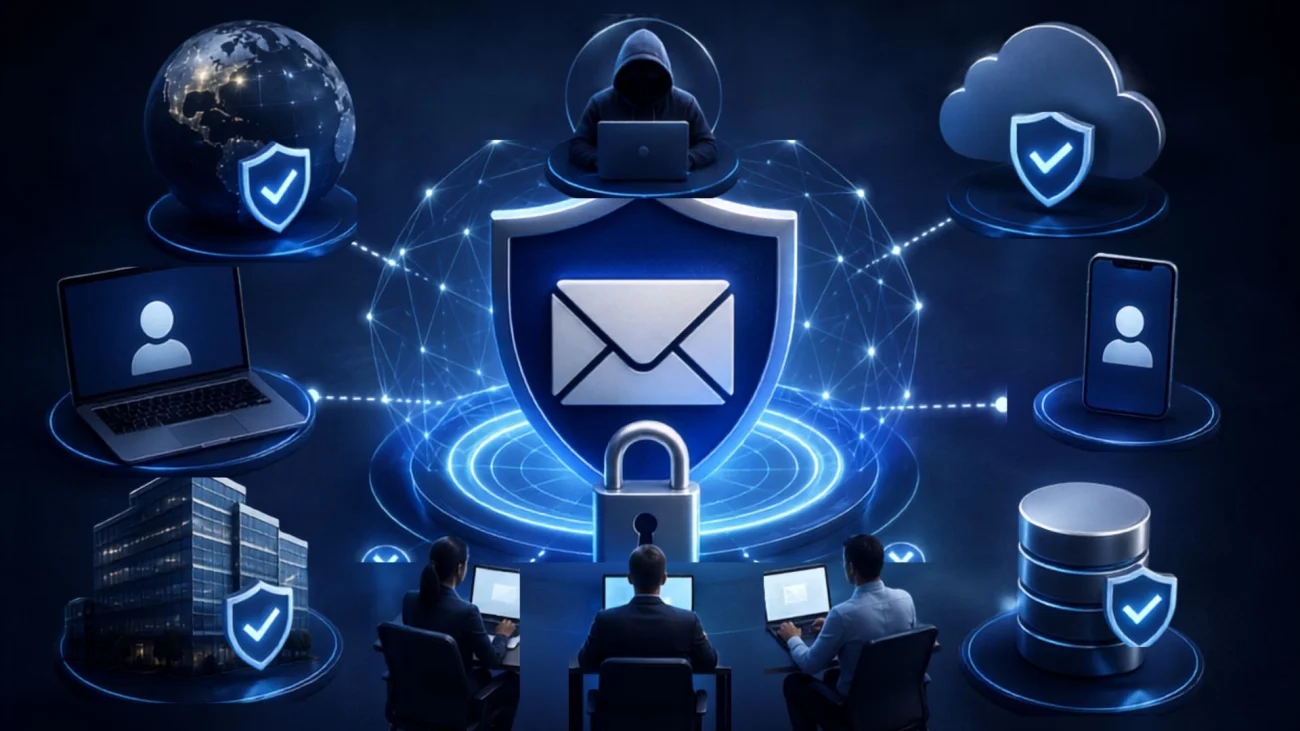
Why Zero Trust Matters for Email Security

Why Zero Trust Matters for Email Security

Most legacy security models presumed corporate network employees could be trusted.

Zero Trust models invert this presumption, and instead of trust, access is granted as a privilege to be continually tested.

To Microsoft 365, Zero Trust means evaluating users, devices, apps, and access requests.

This approach is especially useful for businesses with:

  • Remote employees
  • Multiple offices
  • Cloud applications
  • Contractors
  • BYOD environments
  • External collaboration

Zero Trust works alongside MFA, Conditional Access, identity security, and endpoint protection to create multiple security layers.

How UAE Businesses Can Improve Microsoft 365 Email Security

How UAE Businesses Can Improve Microsoft 365 Email Security

Businesses can improve their email security by following a structured approach.

Review User Accounts

Go through every account and flag the ones sitting unused. Look out for permissions that were granted once and never revisited, shared logins nobody remembers setting up, and users holding privileged access they no longer need.

Strengthen Authentication

Turn on MFA across the board, not just for a few accounts. Authentication policies age quickly as teams grow and roles shift, so make it a habit to revisit them instead of setting them once and forgetting.

Configure Email Authentication

Check that SPF, DKIM, and DMARC are correctly set up for every domain you send mail from. A missed record here quietly opens the door to spoofing, even when everything else looks secure.

Improve Phishing Protection

Filtering tools alone won’t stop every phishing attempt from landing. Pair the right email security controls with regular, hands-on training so employees actually recognize a scam when one lands in their inbox.

Secure Business Devices

Every laptop, desktop, and phone that touches company email is a potential entry point. Make sure each one meets a baseline security standard before it’s allowed anywhere near business data.

Review Administrator Access

Admin accounts carry more risk than regular ones, so treat them that way. Keep the list of people with elevated access small, and check in on it often enough to catch anything that’s changed.

Protect Business Data

Don’t assume cloud storage means your data is automatically backed up. Sit down and work out what actually needs protecting, how long it should be kept, and how fast you’d need it back.

Monitor Security Activity

Keep an eye on the small signals — odd sign-in times, new forwarding rules, accounts behaving differently than usual. These are often the earliest warning signs before something bigger goes wrong.

Microsoft 365 Security for UAE Businesses

Managing all these controls can be a burden for most SMEs.

Many small IT teams already have their hands full managing networks, computers, servers, applications, user support, cloud services, and daily troubleshooting.

Managed IT Services can be the solution for maintaining a secure technology environment for your business, including the provision of ongoing monitoring, maintenance, troubleshooting and security services.

For companies in Dubai, Abu Dhabi, Sharjah and other areas of the UAE, IT managed services can assist with reviewing cloud configurations to see where more security controls may be needed.

You don’t want to enable every feature at your disposal. Instead, businesses should create their security strategy based on their users, devices, applications, data and the needs of their business.

Microsoft 365 Email Security Checklist

Security Area

MFA

Passwords

SPF

DKIM

DMARC

Phishing

Admin accounts

Permissions

Remote access

Endpoint security

Backup

Monitoring

Training

Zero Trust

Recommended Action

Enable strong authentication

Use unique and secure credentials

Configure authorized senders

Enable email authentication

Establish an appropriate policy

Strengthen filtering and employee training

Restrict privileged access

Follow least privilege

Review users and devices

Protect business devices

Maintain recovery options

Review suspicious activity

Conduct regular awareness sessions

Verify users and devices

Final Thoughts

Business emails are essential to organizational operations. Because of this, Microsoft 365 email security is a necessary component for UAE companies.

Microsoft 365 has excellent cloud technology and some security features. However, companies still need to properly configure and maintain these controls.

Some of the more common mistakes are over-reliance on passwords and use of weak passwords, no MFA, lack of configuration of SPF, DKIM, and DMARC, use of broad permissions, failure to address business email compromise, unprotected administrator accounts, and neglect of remote systems.

Companies must remember that email security is part of a broader security strategy.

Combining Microsoft 365 with Endpoint Protection, Managed IT Services, identity security, employee awareness, backup solutions, and Zero Trust principles can create a much stronger defense against modern cyber threats.

In the UAE, it is better to constantly reassess email security than to wait for compromised accounts to take remedial action. This approach will remove unnecessary risks that will allow employees to use cloud email applications with increased confidence. 

Frequently Asked Questions

Yes, Microsoft 365 includes multiple security capabilities, but businesses must configure and manage them properly. Strong authentication, email protection, permissions, monitoring, and employee awareness all contribute to better security.

No. MFA is an important security layer, but it should be combined with phishing protection, endpoint security, access controls, monitoring, and employee training.

SPF, DKIM, and DMARC are email authentication technologies that help organizations verify legitimate email and reduce certain types of spoofing and domain impersonation.

Phishing can trick employees into revealing credentials, opening malicious attachments, clicking harmful links, or approving fraudulent transactions.

Businesses should evaluate their specific data protection and recovery requirements. Cloud services and backup serve different purposes, so organizations may benefit from a dedicated recovery strategy.

Security should be reviewed regularly and whenever there are major changes to users, devices, applications, permissions, or business processes.