Avoid names, phone numbers, company names, birthdays and common words.
Use a long, unique passphrase that is not reused elsewhere.
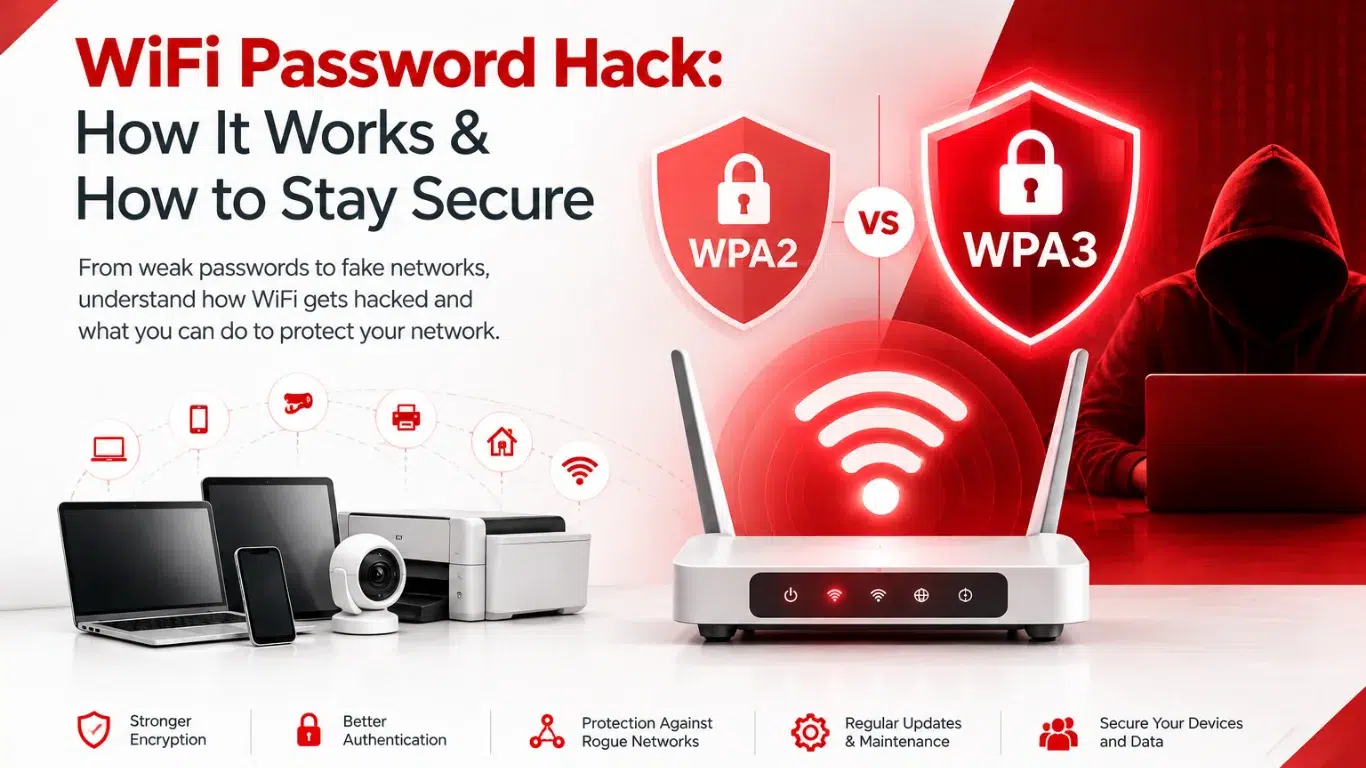
Check your router or access point settings. If your equipment supports WPA3, use it instead of older security options.
If WPA3 is not available, use properly configured WPA2 rather than obsolete wireless security standards.
Router and access-point firmware should be kept current. Updates can address security vulnerabilities and improve stability.
Do not assume that a new router automatically remains secure forever.
Review router settings and turn off features you do not need. Also change default administrator credentials.
Unused services and default settings can increase the attack surface.
Visitors should not normally have direct access to the same network used by employees, servers or business systems.
A separate guest WiFi network helps isolate visitors and reduces the potential impact of a compromised guest device.
Smart TVs, printers, CCTV cameras, access-control systems and other IoT devices may have different security requirements from employee computers.
Businesses can place these devices on separate network segments or VLANs, limiting unnecessary communication between systems.
Network segmentation is specifically recommended as a way to reduce the potential impact of a wireless compromise.
Avoid allowing devices to automatically connect to unfamiliar or unnecessary networks.
When using public WiFi, verify the network name and avoid connecting to suspicious duplicate networks.
Regularly check which devices are connected to your network.
Unknown devices, unexpected configuration changes, unusual bandwidth consumption or sudden performance problems can be warning signs that deserve investigation.