To efficiently run their business, make sales, and protect their corporate data, businesses in the UAE and Dubai need dependable computers. However, using business computers on an outdated operating system puts a strain on business operations, security, and software and hardware compatibility. Outdated operating systems can hinder business operations.
Purchasing Windows 11 Upgrades for Businesses in Dubai can improve a company’s security and operate at their fullest potential. Upgrading business operating systems can help create a foundation for future business operations and IT planning. Businesses rely on IT to run operations, and upgrading operating systems can help alleviate IT pressure.
For businesses using Windows 10, they will no longer be able to use Microsoft standard support from October 2025. During this period, businesses can use Extended Security Updates (ESU) as a temporary solution, but they should create a plan for a full business operating system upgrade. Source: Microsoft.
Chipin Corp provides IT support and services related to Microsoft to help businesses create a plan for their technology and software upgrades. Creating a plan can help ease the burden and disruption on a business for a major IT infrastructure upgrade.
Importance of Upgrading Windows 11 for Businesses
An operating system is the backbone of a computer and helps business employees to manage and complete company tasks. Using an outdated and unsupported operating system can significantly hamper, a business’s operations and activities.
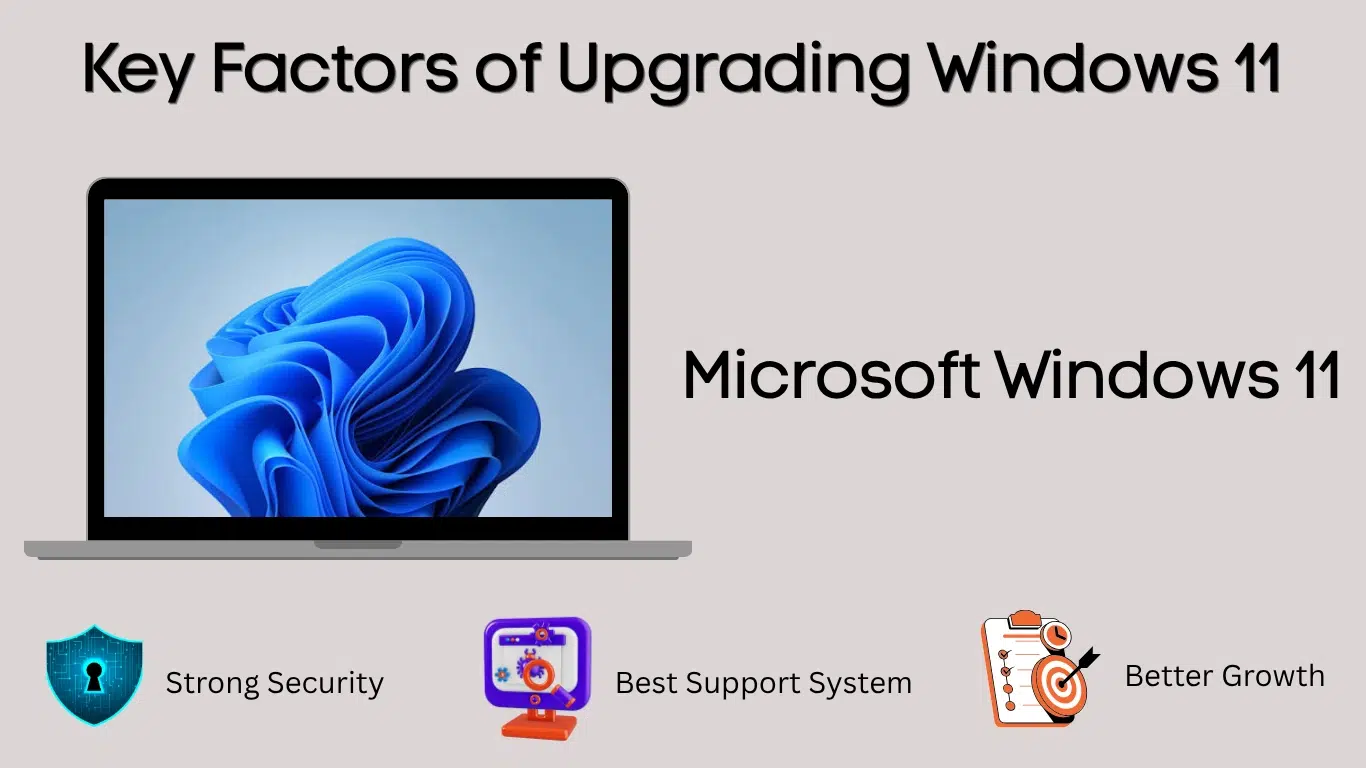
1. Better Business Security
2. Support Business Software
3. Plan for Business Growth
Upgrading the operating system of a business’s devices can be an opportunity to review the age of the devices and see whether they still meet the business’s IT needs.
If a business has old devices that do not support upgrading to Windows 11, the devices should be replaced. Other devices that no longer meet the business’s IT needs can also be retired or support extended until they are replaced.
Windows 11 Compatibility Check for Business Computers
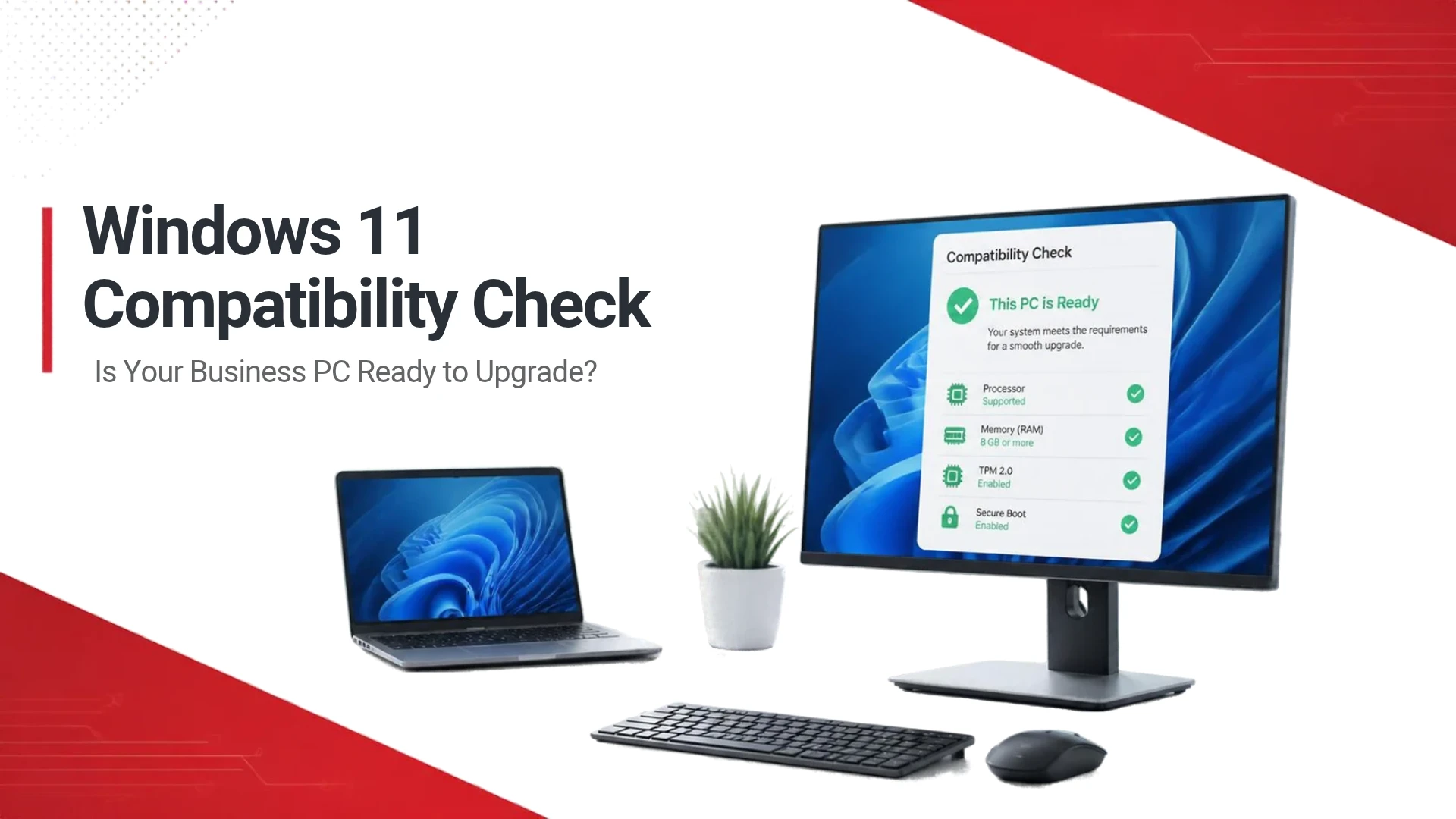
Businesses wishing to migrate to Windows 11 need to know which computers on their network meet the minimum system requirements set by Microsoft.
These requirements include:
– A 64-bit processor with at least two cores and a model supported by Microsoft.
– At least 4 GB of RAM.
– At least 64 GB of storage.
– UEFI firmware with Secure Boot.
– TPM 2.0.
– Compatible graphics hardware and display.
These are the bare minimum requirements to run Windows 11, and performance may be less than optimal for any given business workload. Some applications and features may require additional resources. Review the official requirements for Windows 11 before deployment.
A Windows 11 compatibility assessment should consider application requirements, available disk space, device drivers, network connectivity, and business-critical peripherals.
For example, suppose a business has 30 computers, and only 22 meet the requirements for Windows 11. Then 8 computers require additional hardware, or may need to be replaced. Knowing this information helps to budget and schedule the migrating of computers to Windows 11.
What Should the Windows 11 Upgrade Services in Dubai Include?
There are several steps businesses should take to ensure a smooth transition when migrating computers to Windows 11.
Step 1: Audit Existing Devices
Compile a list of business computers, their specs, and the software versions in use. Also, document the business users of these computers. Determine if the devices meet requirements for Windows 11 and if further research is needed.
Step 2: Plan the Migration
Create a plan to migrate devices based on each department’s priorities and the readiness of the devices. Computers in the Finance and Customer Service departments, and others that support vital organization operations, may require special preparation and testing.
During migration, plan for and reduce the unanticipated length of time devices are unavailable. Establish a support process to address issues that occur during the migration.
Step 3: Back up Important Business Data
Verify important files and business data are backed up before upgrading or migrating devices. Test the backup solution to ensure the files can be restored and that the business data are protected
Step 4: Test Applications and Deploy in Stages
Pilot test the new operating system on a small group of devices to ensure essential applications and devices, like printers, access to the network, and user workflows, are still functional.
If the piloted group operates as expected, continue rolling out the new operating system to other groups.
Step 5: Verify and Support the New Devices
Verify that the new devices are connected to the organization’s networks and to other devices, and that the applications and the organization’s security policies are in effect.
User training is important to helping employees become familiar with how to use the new devices to complete their daily tasks. IT support should be available to help users with any issues they may have post deployment.
The specific steps will be based on the organization’s hardware, software, licensing, and current IT infrastructure.
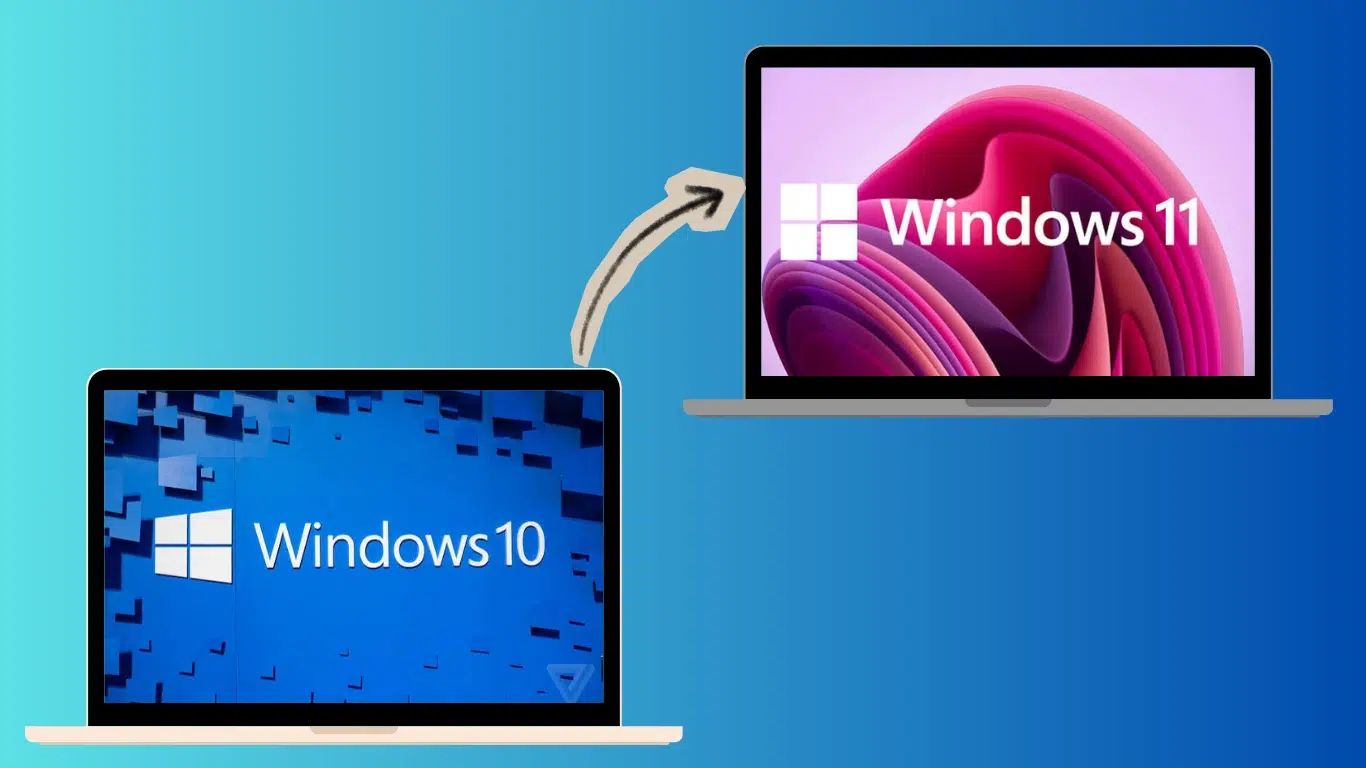
Windows 10 to Windows 11 Upgrade for Businesses: Upgrade or Replace?
Microsoft has required security requirements for Windows 11. Some older processors and unsupported hardware should not be forced through an upgrade.
For eligible devices, businesses should consider the costs of upgrading versus replacing. Replacing older, less capable hardware can be a better long-term option, especially if the hardware is aging and does not meet the needs of the business applications.
Other organizations can consider Windows 10 ESU options and their eligibility, if available, to purchase additional time. ESU offers eligible devices security updates; it does not restore the full standard support lifecycle and should be used as a short-term measure.
A device-by-device assessment can help prioritize costs and avoid replacing computers unnecessarily.
Risks of Upgrading to Windows 11 can be Minimized with IT Support
For businesses with multiple, remote employees, or with critical, on-premises business applications, managing a Windows 11 migration can be difficult.
IT support can provide a range of services, from inventory and assessment of devices to deployment and post-upgrade support. It can also help businesses coordinate their IT needs to best serve the business, such as security, end-user computing, and keeping the network and IT services available for business operations.
One key consideration for organizations assessing IT support services in Dubai is whether the vendor can understand their environment and make recommendations rather than taking a one-size-fits all approach for every computer.
Chipin Corp has IT and Microsoft-related services and solutions. Organizations seeking to migrate and/or upgrade their environments can reach out for an assessment of their environment and make recommendations on the best course of action. The scope of work for any services offered should be confirmed prior to undertaking any work.
Dubai businesses, including those in the professional services, retail, logistics, real estate, and financial services, amongst others, operate differently and may use different applications and require varying levels of security.
A successful migration to Windows 11 offers an opportunity to assess the existing IT infrastructure and software,and implement improvements in line with the organization’s business needs. It also provides a means to manage and reduce application compatibility and upgrade IT maintenance processes.
Migrating to Windows 11 is not about having the latest version of Windows. Organizations should look to have IT infrastructures that help them meet the needs of their business.
Frequently Asked Questions
Plan Your Windows 11 Upgrade with Chipin Corp
Upgrades to Windows 11 offer the opportunity to review the hardware in use in an organization. When planning upgrades it is good practice to assess the applications that are important to the business and the data that is critical to the organization. Windows 11 offers a number of enterprise improvements and security features that allow an organization to be confident in their hardware decisions.
If your business has devices that are still on Windows 10 or is planning to modernize its devices, Chipin Corp can be a resource for reviewing your IT needs and the options available to support your business in the UAE.
Contact Chipin Corp to address your needs for Windows 11 upgrade support in Dubai and throughout the UAE.
About The Author