About Ransomware Attack
Last week, less than a month after the WannaCry ransomware attacks infected more than 250,000 computers in 150 countries, security experts announced new revelations about a new attack, which originated in the Ukraine and spread to Russia, Poland, Italy, Germany, France, Spain, and the United States, along with nearly 60 other countries.
This attack began with a specific target: 12,500 machines running older versions of Microsoft Windows and software owned by M.E.Doc, a tax-accounting company based in Ukraine. Several private companies, including the American pharmaceutical giant Merck, the Danish shipping company AP Moller-Maersk, the British advertising firm WPP, and TNT Express, a global subsidiary of FedEx, were subsequently struck with a message featuring red text on a black screen: “Oops, your important files have been encrypted. If you see this text then your files are no longer accessible because they have been encrypted. Perhaps you are busy looking to recover your files but don’t waste your time.”
What made this attack significantly different than past ones, however, was that “waste of time” part — within hours, the hackers’ email address used to collect Bitcoin payment required as ransom was shut down, eliminating their ability to communicate with victims and restore access to encrypted data. As many baffled security experts speculated, if the hackers launched their attack to make money, they failed spectacularly.
Instead, some theories now hold that the attack was disguised as ransomware but meant to permanently wipe as much data on as many hard drives as possible. Researchers at Kaspersky Lab speculated that it was a “wiper” attack that used the media frenzy surrounding ransomware as a ploy to drum up attention. Still, that attention is needed to stem the tide of ransomware, one of the most tried and true vehicles for cyberattack.
Ransomware relies on locking a victim out of his or her own files until they pay a certain amount for a decryption key. Last year, security researchers estimate that cybercriminals made more than $1 billion via ransomware attacks, with targets ranging from Fortune 500 corporations to independently owned small businesses and even private individuals. But the WannaCry attack and this most recent one, alternately identified as Petya, NotPetya, ExPetr, and GoldenEye, took in only $100,000 combined.
Both spread by combining traditional ransomware assaults with an operating system vulnerability left open when software updates for Microsoft Windows were not installed. That allowed the attacks to grow quickly, exploiting lone unprotected machine to then infect devices across any connected network. WannaCry’s global spread was stymied by a rogue security expert who registered a domain name for $10 and halted the attack in its tracks. Last week, a German email provider shut down the address associated with ransom payments, stopping the so-called Petya assault within a day.
Whether ransomware is intended to make money or just wreak havoc, stopping it is the number-one goal for businesses small and large. Chipin Corp has extensive experience protecting its clients from such incidents, and our 24/7 monitoring and maintenance solutions sprang into action last Tuesday to immediately deploy protections for any clients at risk of infection. Here’s what we suggest to keep your business safe:
Why Ransomware Attacks Are a Growing Threat for Businesses
Ransomware attacks are not just for big businesses anymore. Because cybercriminals know that companies rely on their digital data and their IT infrastructure, businesses of all sizes are being attacked.
Using ransomware, cybercriminals have figured out how to bring a company to a complete standstill by encrypting critical files, blocking access to system and placing a monetary demand for the decryption of the data. The financial loss is only the beginning. A business can lose customers to a trust loss, sustain damage to their reputation and face compliance consequences.
Most Small and Medium Businesses (SMBs) do not have the advanced security resources to either sustain the continuous monitoring or backup their data. Ransomware is now a business risk for SMBs.
Ransomware is a business risk for other enterprises and organizations too. Consider the other devices you connect to the Internet and network. Those devices are now a risk too.
To keep ransomware’s impact to a minimum, strengthen endpoint protection, offer ongoing employee training, and backup your data regularly. The threat of ransomware will always be changing. Remain vigilant.
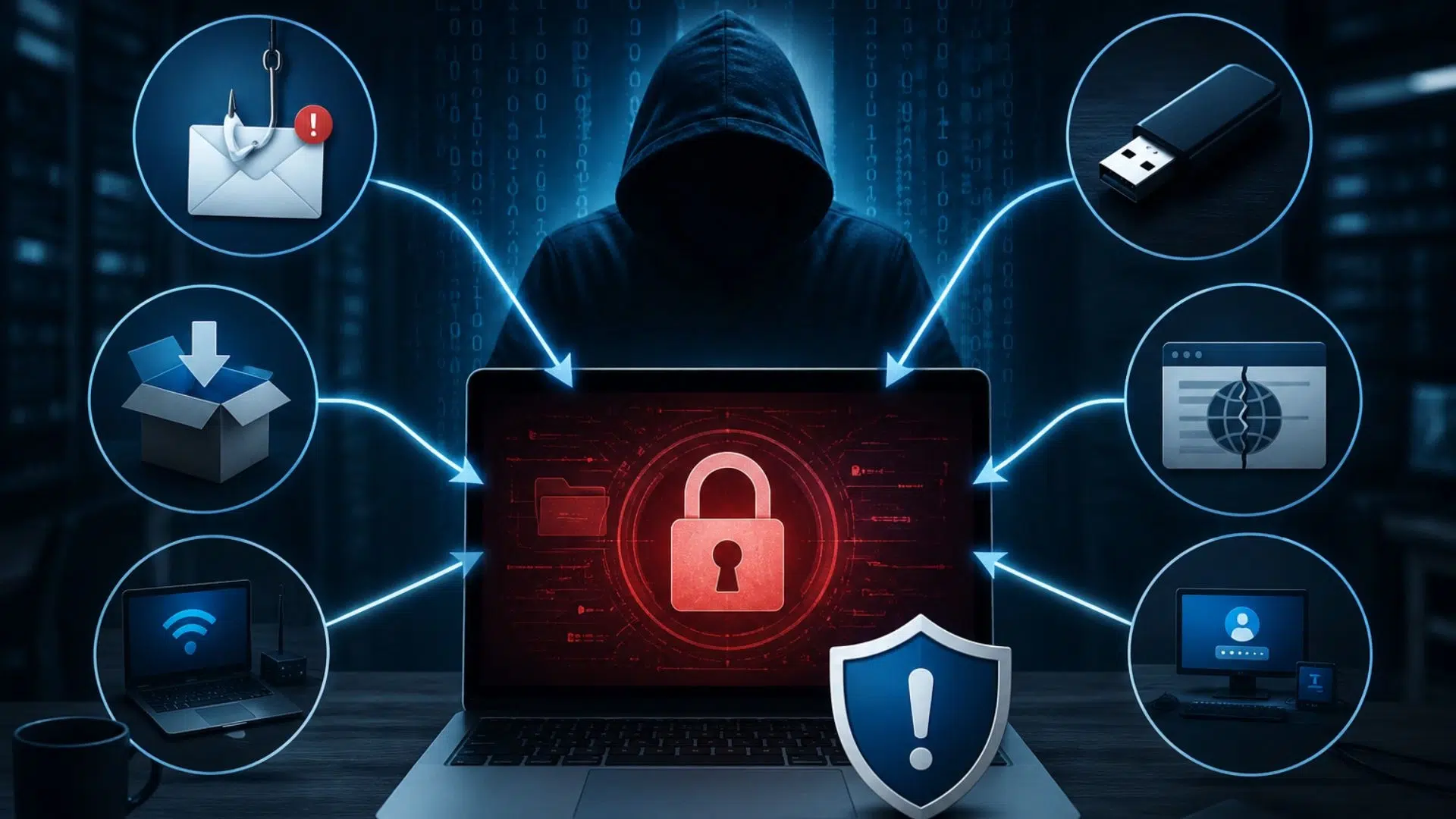
Common Ways Ransomware Enters Business Systems
To stop the threat of ransomware, know the risks. Cybercriminals have many ways to enter business networks.
Cybercriminals have to get their victims to do something. One popular method is phishing attacks. The phishing email will look legitimate and contain either a link or attachment that is infected with malware.
The threat can be eliminated with proper training and the right email protection.
The use of weak or the same passwords will make systems and accounts of businesses that much easier to attack and access.
Utilizing strong passwords and multi-factor authentication (MFA) can insulate accounts from unauthorized access.
Offensive systems and software leave security gaps that adversaries may leverage.
System protection is improved with regular updates and the application of security patches.
As remote working solutions proliferate, unsecured remote access is becoming a cybercrime target.
Secure VPNs, access control, and the use of monitoring tools can defend remote access.
Insufficient cybersecurity awareness makes employees vulnerable to threats through the unintentional opening of malicious files and/or leaking protected information.
Period security training improves the employee’s ability to identify threats and serves to circumvent the potential of a ransomware attack.
Effective Ways to Prevent Ransomware Attacks
WannaCry and Petya both took advantage of a publicly acknowledged vulnerability in older versions of Microsoft Windows. Any business with a trusted IT partner by its side would have had that patch deployed earlier this spring. After WannaCry, extra precautions were taken, as well. But in Petya’s case, even one vulnerable system could have taken down any protected ones that were connected on the same network, which makes comprehensive security so critical.
Advanced Ransomware Protection Strategies for Businesses
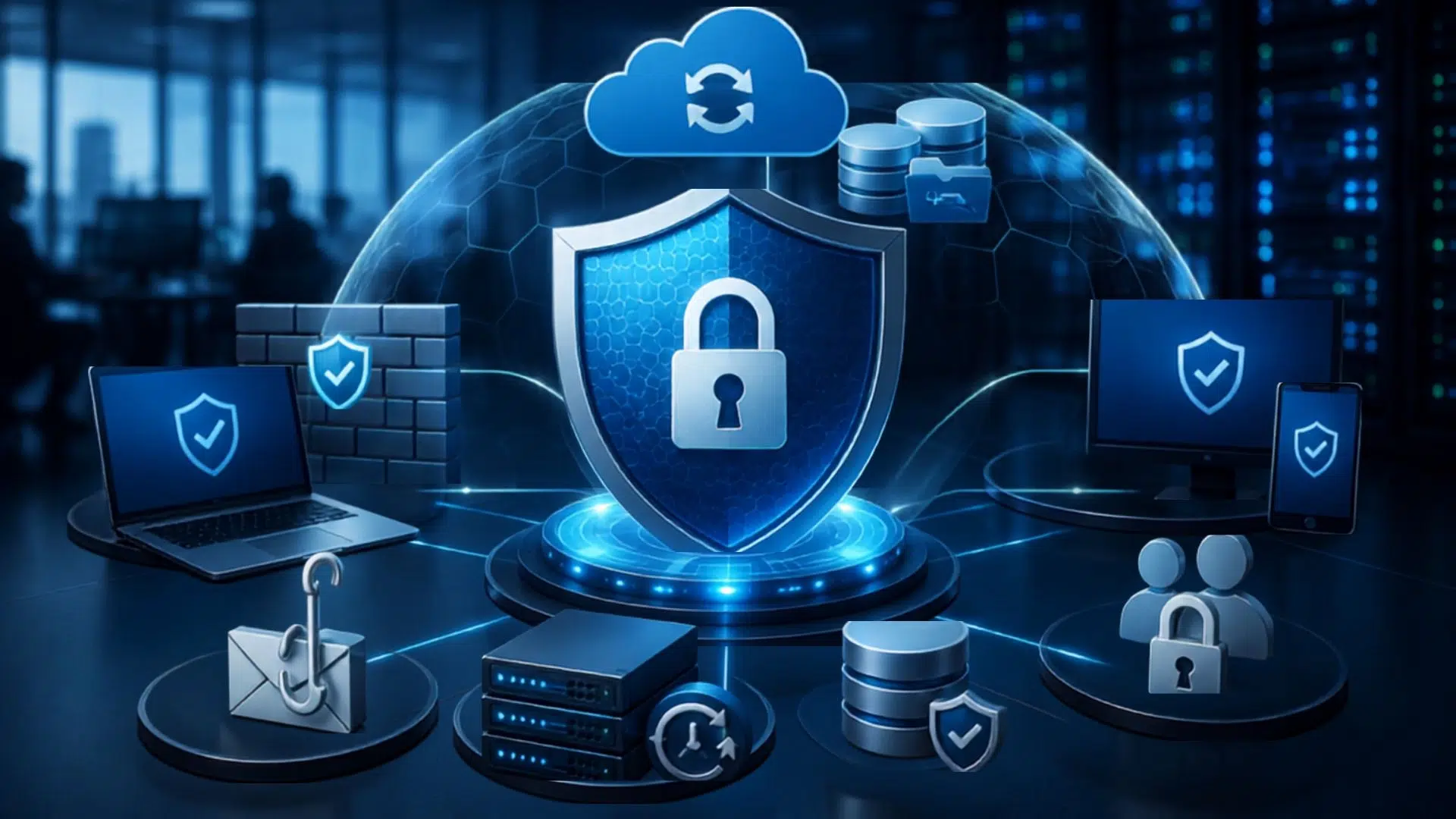
Inadequate protection against ransomware may bankrupt firms. Security strategies should incorporate the prevention and detection of threats, with the ability to respond to threats in a timely manner.
Threats that are detected through EDR can be responded to by security teams in a timely manner, and afford protection against ransomware.
Ransomware protection can be improved from a network vantage by the visibility EDR affords to secure endpoints.
Authentication of users through multiple verification methods is an additional layer of security provided by MFA.
MFA makes it significantly more difficult for attackers to penetrate company systems, even if they manage to get their hands on user passwords.
A good backing up policy protects businesses from ransomware. Safe backups enable a company to bring back their information without having to negotiate with criminals.
Zero Trust security uses the saying “never trust, always verify”. To access any company resource, each and every user, device, and application must be verified.
This policy protects from unauthorized access and also restricts the activities of attackers on the network.
Evaluating security frequently helps to find weaknesses in a system before cybercriminals find and exploit them.
Evaluations of this kind enable businesses to refine and enhance their defensive policies and systems.
Why Cloud Backup Is Critical Against Ransomware Attacks
After a successful ransomware attack, valuable and essential company files become inaccessible and may be permanently lost if a proper backup policy is missing.
To defend against cyber attacks, companies may use Cloud backup as a secure way to store and recover data. With a reputable backup, the company may continue their daily activities after restoring files and avoiding payment of the ransom.
An ideal cloud-based backup solution should consist of:
How Chipincorp Helps Businesses Stay Protected From Ransomware
At Chipin Corp, we keep businesses in the UAE safe from cyber threats by protecting valuable data, software, and IT systems by using advanced, cutting edge cybersecurity solutions.
To do this, we focus on protection from ransomware and malware as well as prevention from unauthorized access.
Our services include:
When we combine the correct security technology with prevention and protection services, we significantly decrease the threat of cyber attack and keep businesses safe, secure, and operational.
Frequently Asked Questions