Blogs by Chipin

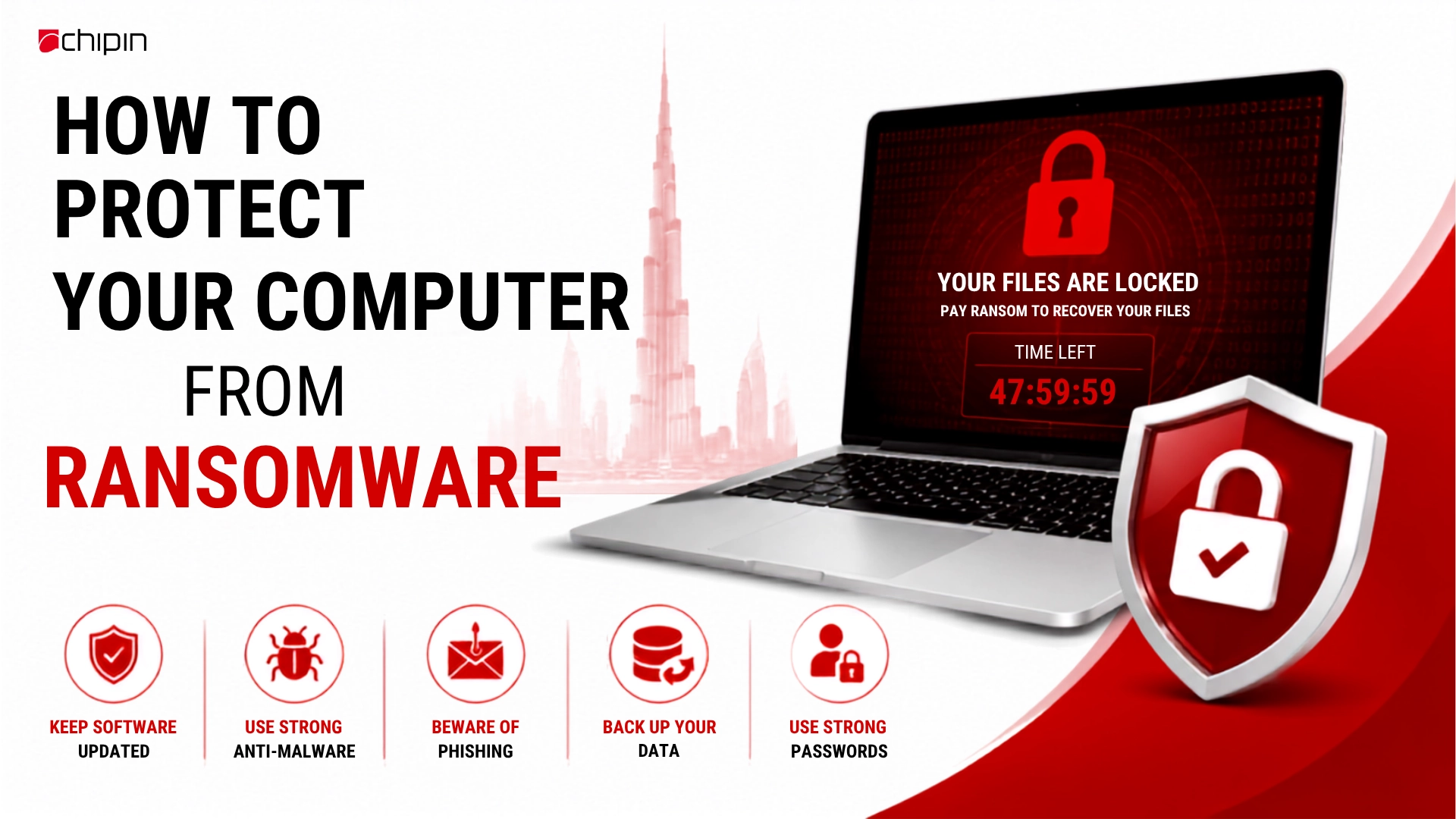
How to Protect Your Computer from Ransomware

ransomware

Ransomware attack has become one of the most dangerous cyber threats in today’s digital world. It can lock your files, disrupt your business operations, and demand money for recovery. Whether you are an individual or a business, understanding how to prevent such attacks is essential for strong cybersecurity.

In recent years, such attacks have increased rapidly due to weak security practices, outdated systems, and human errors. Cybercriminals are continuously improving their methods, making it even more important to stay alert and prepared.

Ransomware attacks can target anyone, from home users to large organizations, often without warning. These attacks usually begin through phishing emails, malicious attachments, or compromised websites. Once inside a system, ransomware can quickly spread and encrypt valuable files, making it difficult to access important data without paying a ransom.

In this blog, we will explore practical and effective ways to protect your computer from ransomware attacks, along with actionable tips you can implement immediately. By following these basic cybersecurity habits, you can significantly reduce the risk of data loss and system compromise.

What is Ransomware?

Ransomware is a type of malicious software (malware) that locks or encrypts your files, systems, or networks and demands payment (ransom) to restore access. It is one of the most dangerous cyber threats, often targeting individuals, businesses, and organizations through phishing emails, infected downloads, or weak security systems. Without proper protection, it can cause data loss, financial damage, and operational disruption.

It usually spreads through:

Once infected, recovery becomes difficult without proper backups.

Why Ransomware Protection is Important

Ransomware protection is essential for safeguarding computers, business networks, and sensitive data from cyberattacks that can lock files and demand ransom. With increasing cyber threats, strong security measures like antivirus software, regular backups, and real-time monitoring help prevent data loss and downtime. Effective ransomware protection ensures business continuity, protects confidential information, and reduces financial risks.

10 Effective Ways to Protect Your Computer from Ransomware

1. Keep Your System and Software Updated

Regular updates fix security vulnerabilities that hackers exploit. Always update:

2. Use Reliable Antivirus and Anti-Malware Protection

Install trusted security software that provides:

3. Enable Firewall Protection

A firewall acts as a barrier between your system and cyber threats.

It helps:

4. Avoid Phishing Emails and Suspicious Links

Most ransomware attacks start with phishing.

Be careful with:

5. Regular Data Backups (Most Important Step)

Backups are your strongest defense against ransomware.

Follow the 3-2-1 backup rule:

6. Use Strong Passwords and Multi-Factor Authentication (MFA)

Weak passwords make hacking easier.

Best practices:

7. Restrict User Permissions

Do not give full admin access to all users.

Instead:

8. Use Secure Network Practices

Protect your network with:

9. Educate Users and Employees

Human error is a major cause of cyberattacks.

Train users to:

Types of Ransomware Attacks

Ransomware attacks come in different forms, each designed to target systems in unique ways and cause varying levels of damage. Understanding these different types is important because it helps individuals and businesses recognize how cybercriminals operate and what kind of threat they may face. By identifying the nature of each ransomware type, you can choose more effective security measures and improve your overall protection against cyberattacks.

Type

Crypto Ransomware

Locker Ransomware

Scareware

Description

Encrypts files and demands payment to unlock them. It is the most common and dangerous type.

Blocks access to the entire system, preventing users from using their device until ransom is paid.

Uses fake alerts and warnings to trick users into paying for unnecessary security tools or fixes.

How Businesses Can Stay Extra Safe

How Businesses Can Stay Extra Safe

Businesses today face increasing cyber risks, making it essential to stay extra safe from ransomware and other digital threats. A strong cybersecurity approach helps organizations protect sensitive data, maintain smooth operations, and avoid costly downtime caused by attacks. By adopting modern security practices and reliable protection solutions, businesses can strengthen their defenses and ensure long-term safety in an evolving digital environment.

For organizations, ransomware protection should include:

Businesses should treat cybersecurity as a continuous process, not a one-time setup.

What to Do If You Get Infected

If your system gets infected with ransomware, quick action is critical to limit damage and prevent further spread. Following the right steps immediately can help you secure your data, isolate the threat, and improve chances of recovery without paying the ransom.

If ransomware attacks your system:

 Immediately disconnect your device from the internet to stop ransomware from spreading. This helps isolate the infection and protect other systems on the network.

Avoid paying the ransom because it does not guarantee file recovery. It also encourages attackers to continue cybercrime activities.

 Perform a complete system scan using trusted antivirus software to detect and remove malicious files. This helps identify and eliminate the ransomware infection.

Use secure backups to recover your important files safely. This is the most reliable way to restore data without giving in to attackers.

 Seek help from cybersecurity professionals to analyze the attack and recover systems safely. They can guide proper containment, removal, and prevention steps.

Final Thoughts

Ransomware is evolving, but strong cybersecurity habits can dramatically reduce your risk. The key is to combine technology, awareness, and regular backups. By following the steps above, you can keep your computer and data safe from most ransomware threats.

Staying protected is not a one-time task but an ongoing process that requires regular attention and updates. Cybercriminals constantly change their techniques, so your defense must also keep improving. A proactive approach to security is always more effective than reacting after an attack.

Building a strong cybersecurity mindset across individuals and organizations is equally important for long-term protection. When users understand risks and follow safe practices consistently, the chances of infection drop significantly. Investing time in prevention today can save major losses in the future.

frequently Asked Questions

What is ransomware in simple words?

 Ransomware is a type of malware that locks your files or system and demands money to restore access. It usually spreads through emails, downloads, or unsafe websites.

 Antivirus helps detect and block many ransomware threats, but it cannot guarantee 100% protection. Combining antivirus with backups and safe practices is the best defense.

 Immediately disconnect from the internet to stop the spread of ransomware. Then run a full antivirus scan and contact cybersecurity experts if needed.

 No, paying the ransom is not recommended because there is no guarantee you will get your files back. It also encourages attackers to continue their illegal activities.

 You should back up your data regularly, ideally daily or weekly depending on usage. Frequent backups ensure you can recover files quickly after an attack.

 Because most ransomware attacks start with fake emails or links. Being aware helps you avoid clicking harmful content and prevents infections.