Chipin IT Blog UAE
How to Raise a Support Ticket with Chipin Corp
Table of Contents
ToggleIn today’s fast-paced digital environment, businesses rely heavily on uninterrupted IT systems to maintain productivity and efficiency. Whether it’s a minor technical glitch or a major system failure, having a reliable IT support system in place is essential. That’s where Chipin Corp comes in-offering 24×7 timely, reliable, and professional IT support services across Dubai and the Middle East.
If you already have a Managed IT Service Contract with Chipin, raising a support ticket is the quickest and most efficient way to resolve your IT issues. In this blog, we’ll walk you through the step-by-step process of raising a support ticket and explain why this system is crucial for smooth IT operations.
Why Use a Support Ticket System?
Before jumping into the steps, let’s understand why support tickets are important.
A support ticket system helps businesses:
- Track and manage IT issues efficiently
- Ensure faster response and resolution times
- Maintain proper documentation of issues
- Prioritize critical problems
- Improve communication between users and IT teams
Step-by-Step Guide to Raise a Support Ticket
If you’re facing any IT-related issue, follow these simple steps:
1. Visit the Support Portal
Open any web browser and navigate to the official support page:
👉 https://support.chipincorp.com/
This portal is your central hub for all IT support requests.
2. Log in to Your Account
Use your registered credentials to log in. These credentials are typically provided when you sign up for a Managed IT Service Contract.
If you don’t have login details, you may need to contact your company’s IT admin or Chipin support team.
3. Create a New Ticket
Once logged in:
- Look for the “Raise Ticket” or “New Support Request” option
- Click on it to begin creating your ticket
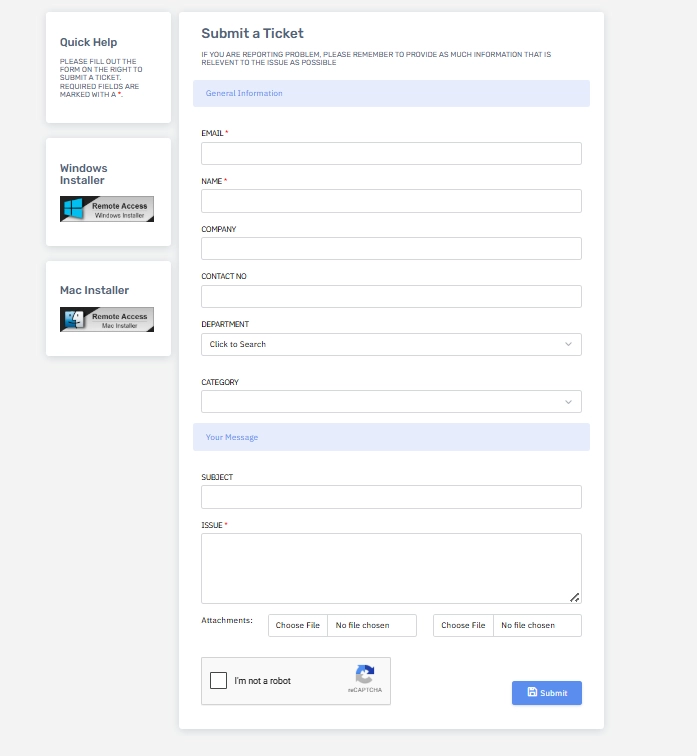
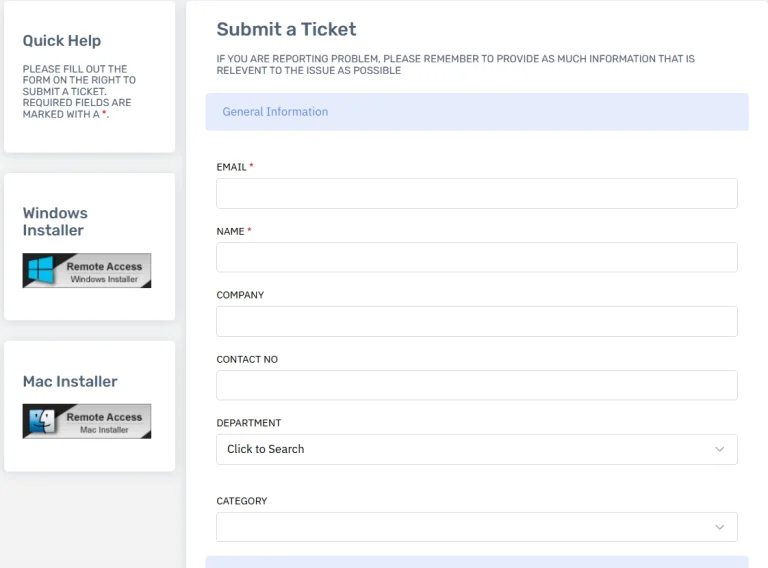
4. Enter Issue Details
Provide accurate and detailed information about your problem. This helps the support team resolve your issue faster.
Include:
- Subject/Title: Brief description of the issue
- Description: Detailed explanation of the problem
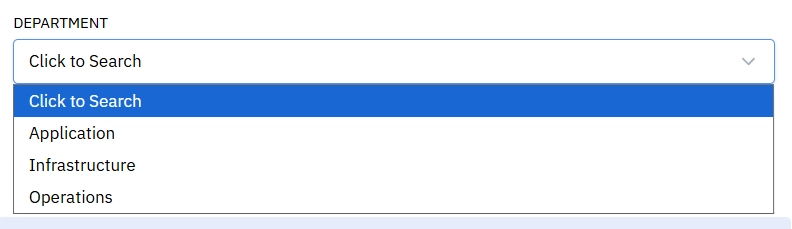
- Category: (e.g., Network, Hardware, Software, Email, etc.)
- Priority Level: Low, Medium, High, or Critical
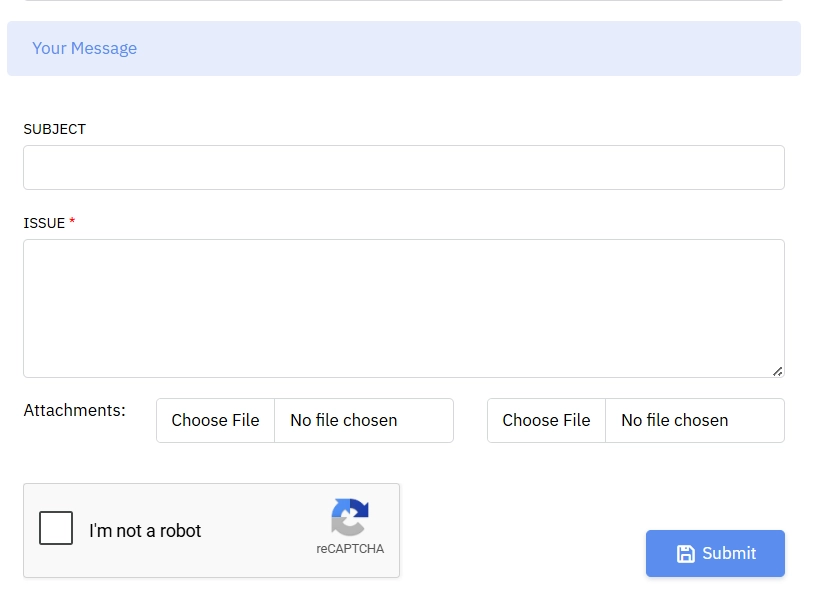
5. Attach Supporting Files (If Needed)
If your issue involves errors or screenshots:
- Upload relevant images or documents
- This helps the IT team understand the issue better
6. Submit the Ticket
After filling in all the details:
- Click on Submit
- You will receive a confirmation along with a ticket ID
This ticket ID is important for tracking your request.
7. Track and Communicate
You can:
- Monitor the status of your ticket
- Communicate with the support team
- Get updates in real-time
What Happens After You Raise a Ticket?
Once your ticket is submitted, the expert IT team at Chipin Corp takes over. Here’s what typically happens:
- Ticket Assignment: Assigned to a relevant IT specialist
- Issue Analysis: Problem is diagnosed
- Resolution Process: Remote or on-site support is provided
- Closure: Ticket is closed after confirmation
For critical issues, their 24×7 support ensures immediate attention.
Benefits of Chipin IT Support Services
Choosing Chipin Corp means more than just fixing problems—it’s about proactive IT management.
Round-the-clock support ensures your business never stops.
Quick remote fixes or on-ground assistance when needed.
Specialized support for sectors like:
- Oil & Gas
- Healthcare
- Service Industries
Structured ticketing system ensures quick turnaround.
Their Annual Maintenance Contracts (AMC) are tailored for business continuity.
Tips for Raising Effective Support Tickets
To get faster resolutions, follow these best practices:
- Be clear and specific about your issue
- Avoid vague descriptions like “system not working”
- Mention error messages (if any)
- Select the correct priority level
- Attach screenshots whenever possible
Common Issues You Can Raise Tickets For
Here are some examples of issues you can report:
- Internet connectivity problems
- Email not working
- Software installation issues
- System crashes or slow performance
- Network security concerns
- Hardware failures
Conclusion
Raising a support ticket with Chipin Corp is a simple yet powerful way to ensure your IT issues are handled efficiently and professionally. With a well-structured ticketing system, expert support team, and 24×7 availability, Chipin stands out as a trusted IT AMC service provider in Dubai and across the Middle East.
If you’re already partnered with Chipin, make full use of their support portal to keep your IT infrastructure running smoothly. And if you’re not yet using their services, it might be time to consider a reliable IT partner that prioritizes your business continuity.