
Chipin IT Blog UAE
Internet Slow in UAE: What’s Causing It and How to Fix It


Table of Contents
ToggleIf your internet Slow in UAE, it’s probably because of the damage to an undersea cable or because of an issue with your internet service provider (ISP) or outdated equipment. International issues tend to slow connections down rather than switch them off. A speed test next to your router will tell you which one you are dealing with.
The UAE has some of the fastest broadband in the region, so a sudden drop in internet is easy to notice. Pages crawl, video calls freeze, and cloud apps that normally respond instantly start to lag. The annoying & frustrating part is that the cause is not always obvious. Sometimes it is a cable fault which is thousands of kilometers away, and sometimes it is a router sitting behind a TV.
This guide explains the causes of some of these issues and helps to identify the main reasons for broadband slowdowns. You will find a quick self-check, a dated timeline of the major slowdowns, the most common causes, and the practical steps for keeping an office online when connectivity drops.
Is it the cable or your Wi-Fi? A five-steps self-check
Before you call anyone, spend 5-10 minutes on these checks. They save a lot of guesswork.
- Test next to the router. Connect one phone or laptop close to the router and run a speed test. This shows what the line itself is delivering.
- Test in the weak room. Run the same test where the connection feels slow. If the result drops sharply, the problem is most probably Wi-Fi coverage, not your provider.
- Compare devices. If only one device is slow, look at that device. If everything is slow, the router, the line or the provider is the more likely cause.
- Restart in the right order. Switch off the modem and router, wait about a minute, turn the modem on and let its lights settle, then turn the router on. This clears many temporary faults.
- Check your provider. Look at Downdetector and the official e& and du channels. If many people in your area are reporting problems, the fault is probably not in your home.
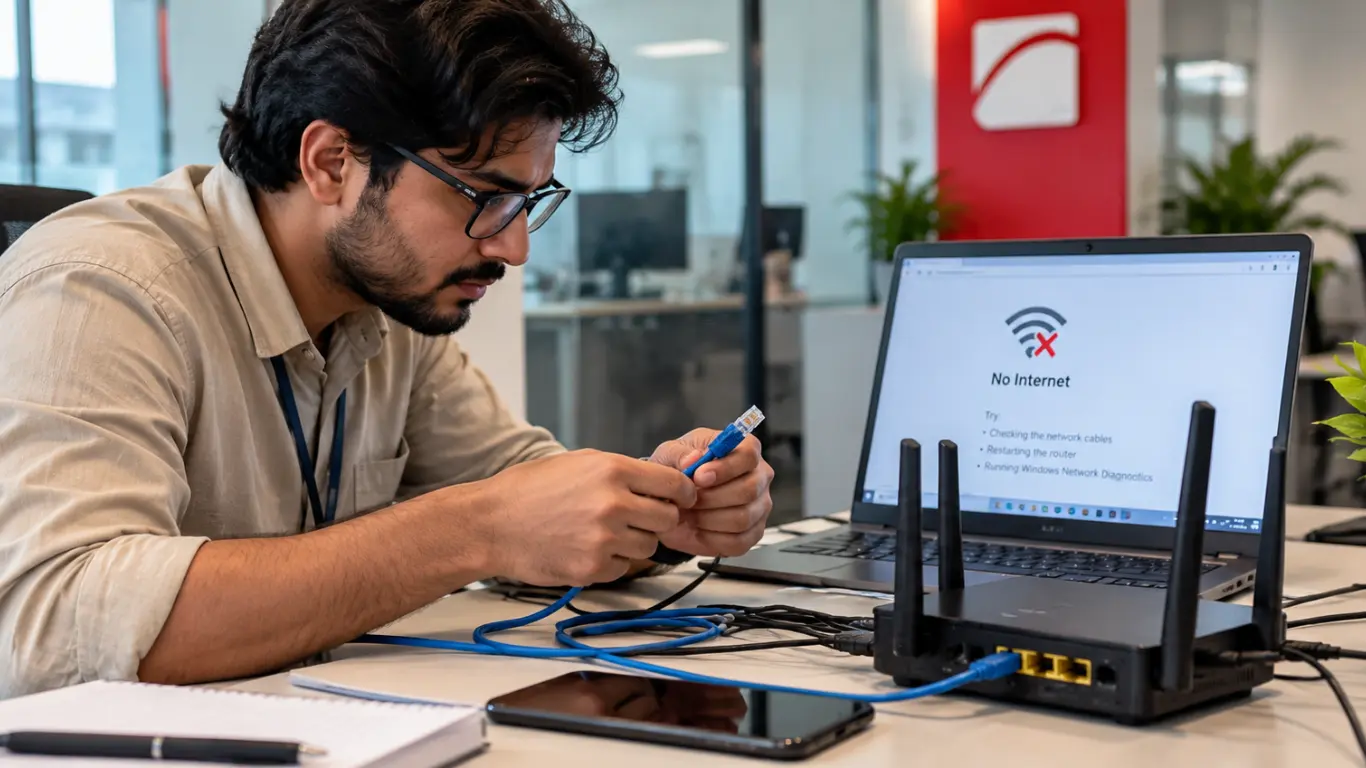
How to read the results: If speeds are good beside the router but poor elsewhere in the property, you have a coverage problem. If speeds are poor everywhere, including beside the router, and others nearby report issues too, the fault is likely with the provider or the wider network. If international sites and cloud services crawl while local sites load normally, routing or cable problems are a strong possibility.
What happened: A timeline of UAE internet slowdowns
It helps to know how earlier incidents played out, because the pattern tends to repeat.
- 6 September 2025: Several undersea cables in the Red Sea were cut, affecting traffic across the Middle East. Microsoft warned that from 05:45 UTC (9:45 am UAE time), traffic passing through the region could see higher latency. Residents reported buffering, interrupted downloads, and slow browsing, and the Downdetector showed reports from across the country, from Dubai and Abu Dhabi to Sharjah, Ajman, and Ras Al Khaimah.
- The following weeks: e&d and du technical teams flagged delays in repairs, and rerouted traffic meant slower, laggier connections for some users. Early estimates quoted by industry commentators put repairs at two to six weeks, depending on access and conditions at sea.
- Q2 2025: According to Ookla’s Middle East Fiber and Wi-Fi Report, which is covered by Gulf News, the UAE’s median broadband speed reached 317.98 Mbps for downloads and 147.28 Mbps for uploads. In other words, the underlying network is strong, which is why slowdowns are often caused by something other than the line itself.
- Around March 2026: Gulf News reported that tensions around the Strait of Hormuz raised concerns about subsea cable risk. The assessment was that a complete outage was unlikely, with slower speeds the main risk if the situation escalated.
Why internet becomes slow in the UAE
The causes fall into two groups.
1.) Problems on international routes
Most websites, cloud platforms and business applications are hosted outside the UAE, so your traffic depends on submarine cables that link the region to Europe and Asia. When a cable is damaged, providers move traffic onto other routes. Those routes can become congested, which raises latency and slows downloads, particularly for services hosted overseas.
The effect is often milder than people expect. According to CALLIT, a Dubai IT infrastructure firm, traffic re-routing by the main provider and local caching of popular platforms such as YouTube, Netflix and Instagram helped many users avoid the worst of the 2025 disruption. Large file transfers and calls to services hosted abroad, however, are usually the first things to suffer.
2.) Problems inside your property or on your provider’s network
This group is far more common day to day, and it is easier to fix.
- An older router. Gulf News, citing the Ookla report, noted that many households still run routers that cannot keep up with modern plans. Tests showed Wi-Fi 6 routers delivering over 800 Mbps, more than ten times faster than older Wi-Fi 4 models.
- Poor placement and coverage. Routers inside cabinets, behind TVs or in a corner struggle to cover villas, duplexes and larger offices. Thick walls make it worse.
- Too many devices. Phones, laptops, cameras, smart TVs and consoles all compete for the same connection, especially in the evening.
- Provider faults or maintenance. Occasionally the issue is a local outage or planned network work.
How slow internet affects Dubai businesses
For a home user, a slowdown is an annoyance. For a business, it has a direct cost.
- Productivity drops. Staff wait on shared files, accounting software and CRM systems.
- Cloud apps lag. Platforms such as Microsoft 365 depend on a stable connection to stay responsive.
- Calls and meetings suffer. VoIP and video conferencing are sensitive to latency, so poor quality quickly becomes visible to customers.
- Customer response slows. Teams that rely on online systems cannot answer enquiries or process orders at the usual pace.
The businesses that cope best are the ones that planned for it before anything went wrong.
How to keep your business online during disruptions
You cannot control what happens to a submarine cable, but you can limit how much it affects your office.
- Add a backup internet connection with automatic failover. A second line from a different provider, set up to take over when the primary drops, keeps critical systems reachable. It will not solve every international routing issue, but it protects you from a fault with a single provider.
- Consider SD-WAN for multiple links. SD-WAN can steer traffic across more than one connection and favor the healthiest path for business-critical applications. It works best on a properly designed network, which is where structured cabling and SD-WAN planning come in.
- Monitor the network, not just the internet line. Monitoring shows whether a slowdown is coming from the provider, the firewall, a switch, or a single overloaded device. Many businesses rely on managed IT services in Dubai so that someone is watching for these issues before staff notice them.
- Protect your data with cloud backup. If connectivity drops at the wrong moment, a tested backup means a slow day does not become a data problem. Cloud backup with Acronis is one way to cover this.
- Refresh aging equipment. Routers, switches, and firewalls that are several years old often become the real chokepoint. Replacing them can improve speed and stability without changing your internet plan.
When to call an IT partner
If basic checks do not fix the problem, speeds are poor in several rooms, or your team keeps losing calls and cloud access, it is time for a proper assessment. A network review can identify whether the issue sits with the provider, the cabling, the router, or the way the network is set up.
Chipin Corp helps businesses across the UAE with network design, monitoring, backup, and ongoing IT support. If you would like us to look at your setup, you can contact our team by phone or WhatsApp.
Frequently Asked Questions?
The usual causes are a problem on international routes, such as a damaged cable, or a local issue such as an old router, weak Wi-Fi or a provider fault. Test your speed next to the router first. If it is fine there but poor elsewhere, the cause is inside your property.
Check Downdetector and the official e& and du channels. If many people in your area report the same problem, the cause is likely on the provider's side. If only your devices are affected, start with your router and cabling before contacting the provider.
Not necessarily. International cable problems can affect users on both networks. If neighbours on the same provider report the same issue, the fault is likely with the provider. If your speed is good beside the router but weak in other rooms, the issue is your Wi-Fi setup.
Your plan sets the speed of the line, not the quality of the Wi-Fi inside your property. Router age, placement, thick walls, and the number of connected devices all affect what you actually receive. Ookla's report found that older routers can hold back UAE users, while Wi-Fi 6 models perform far better.
Yes, in most cases. A second line from a different provider with automatic failover protects you from a single provider outage or local fault. It will not remove every international routing problem, but it keeps critical systems reachable when your primary connection drops.
It depends on the location, weather, ship availability and access to the damaged section. After the September 2025 Red Sea cuts, early estimates ranged from two to six weeks, and e& and du later flagged delays. Providers usually reroute traffic in the meantime, so speeds may be slower rather than lost.