Blogs by Chipin

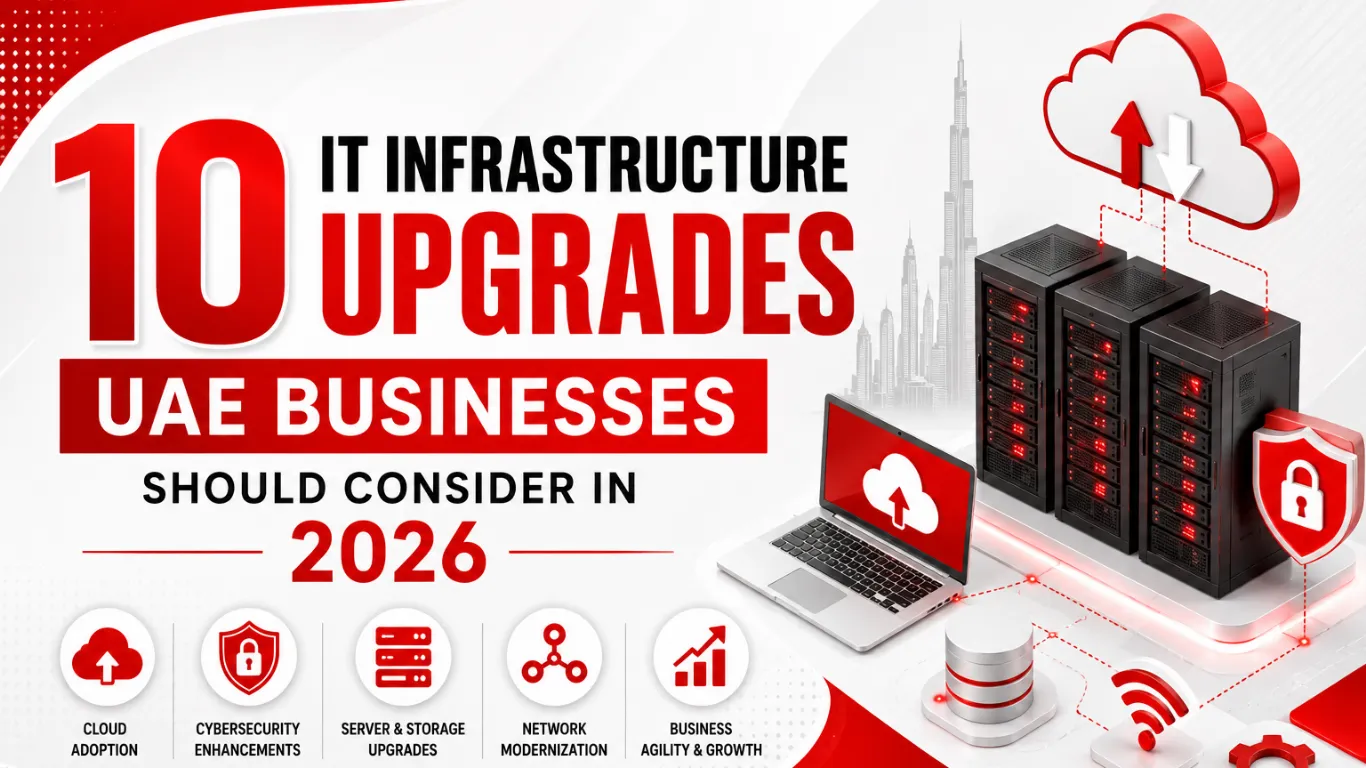
10 IT Infrastructure Upgrades UAE Businesses Should Consider in 2026

10 IT Infrastructure Upgrades UAE Businesses Should Consider in 2026

The key IT infrastructure upgrades UAE businesses should consider in 2026 include network modernization, improved Wi-Fi, server upgrades, cloud migration, stronger cybersecurity, reliable backup and disaster recovery, structured cabling, proactive IT monitoring, and scalable infrastructure. The right upgrades depend on a business’s current IT environment, security needs, operational challenges, and future growth plans. 

The UAE’s dependency on technology has grown exponentially, with almost every business process now digitized. Connected devices, cloud platforms, servers, applications, and communication tools give employees what they need to work efficiently. Old or poorly maintained systems, however, lead to lower productivity and create security risks. 

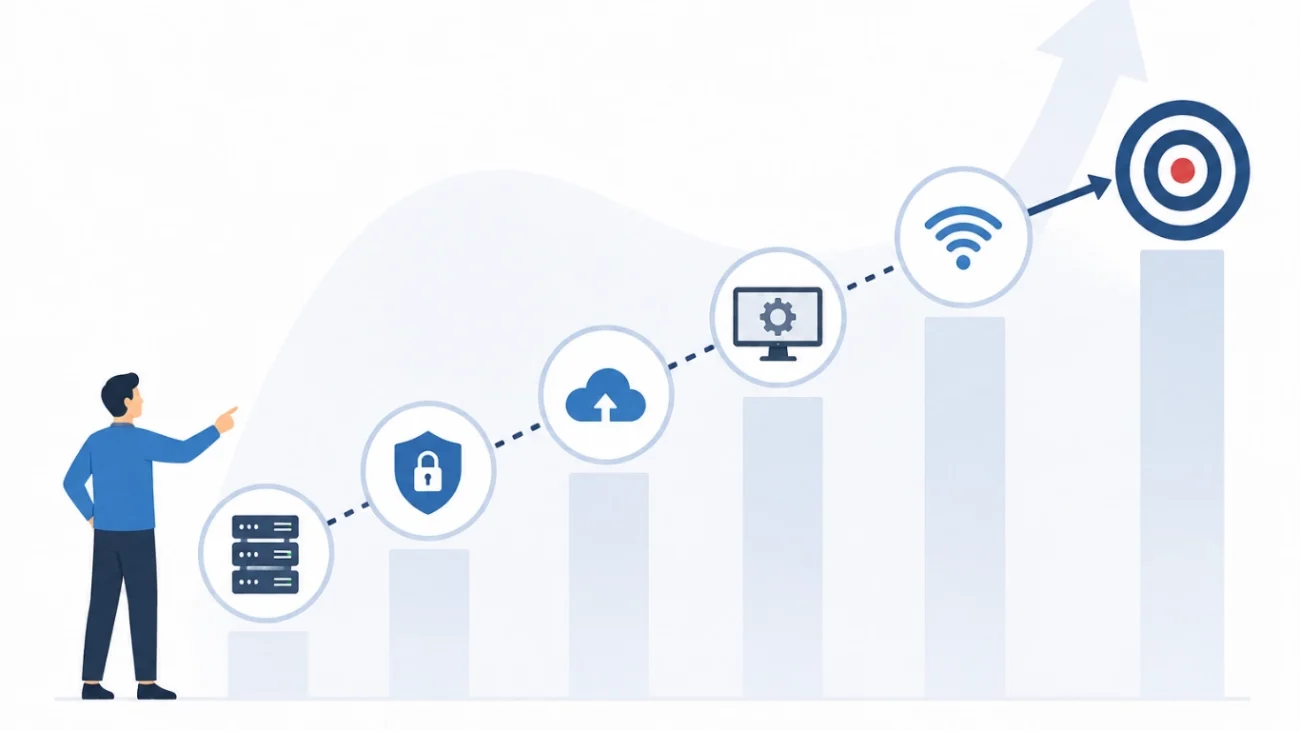
This is why UAE businesses are increasingly focused on how their IT infrastructure will support performance and security. IT infrastructure modernization works best as a phased approach — an outdated system doesn’t always need to be completely replaced. 

This article covers 10 practical IT infrastructure upgrades for UAE businesses in 2026, along with the signs that indicate an upgrade is needed and how to prioritize the resources required. 

Why UAE Businesses Should Review Their IT Infrastructure in 2026

Technology in business moves quickly, and so do its requirements. A network optimized for twenty employees may not work for fifty. Likewise, an old server isn’t made for new apps and old security may leave gaps. 

Businesses should regularly review their IT infrastructure to determine whether their current systems can handle:

  • Increasing numbers of users and devices
  • Cloud-based applications
  • Remote and hybrid working
  • Higher network traffic
  • Growing data volumes
  • Modern cybersecurity requirements
  • Business expansion and additional locations

Many of these problems can create long and costly downtime. So, it is worth evaluating the IT infrastructure before these problems get expensive and out of control. 

1. Upgrade Your Business Network

The business network connects and communicates with devices through hardware and software. If the business network is slower or unreliable, employees are unable to access files, applications, attend meetings, or use other online services.

New network infrastructure provides an opportunity for businesses to assess and potentially improve their switches, routers, firewalls, and network capacity with respect to their internal connectivity.

A modern network should have the flexibility to satisfy the current and anticipated business needs. Network segmentation, secure remote access, and intelligent traffic control can help to support network performance and security.

Network & Infrastructure Setup is an excellent internal resource for companies who are considering a network modernization.

2. Improve Office Wi-Fi Performance

Wi-Fi is a necessity for any modern office. From using the cloud to business calls on Zoom, employees utilize Wi-Fi for so much. Even more reasons offices need a strong Wi-Fi network.

Outdated access points and dead zones present an opportunity for an office to improve their Wi-Fi because of how noticeable the difference would be.

A strong Wi-Fi assessment will consider the size of the office, how many employees you anticipate having, estimated traffic, security needs, and the number of devices per employee.

Rather than solely adding access points, companies must plan their entire wireless network. Through a reliable business Wi-Fi, you can address channel configuration, placement of access points, network segmentation, and authentication.

3. Review Your Servers and Storage Infrastructure

Servers remain the primary option for businesses running on-site file servers, databases, apps and any other workloads that require on-premises hosting.

With on-site servers, the hardware and OS eventually age and reach the raw processing power limits. They become more difficult and expensive to maintain.

When should a server be upgraded?

There are several issues that can drive the need for upgrades. Hardware failures, performance problems, insufficient storage, and incompatibility with new business application requirements can be some of these problems. 

Not being able to properly run newer business applications is a big problem as this can directly affect the bottom line.

Businesses should also assess whether the hardware is supported and whether security updates are provided.

4. Consider Cloud Migration for Suitable Workloads

Cloud technology can give businesses greater flexibility without requiring every workload to remain on physical infrastructure.

Cloud migration can support:

  • Remote access
  • Business collaboration
  • Scalable storage
  • Flexible computing resources
  • Easier deployment
  • Reduced dependence on physical hardware

Although the cloud provides businesses a considerable amount of flexibility, moving everything to the cloud is not always the smart option. Businesses should first analyze their existing applications, data, security, and operating costs.

In most cases, a hybrid solution is more practical, with some systems remaining on-premise while other systems are moved to cloud service providers.

5. Strengthen Your Cybersecurity Infrastructure

Infrastructure modernization should always include security.

New servers and faster networks won’t solve problems caused by weak passwords, unsecured endpoints, outdated software or poorly configured access controls.

Businesses should review their:

  • Firewall protection
  • Endpoint security
  • Email security
  • User access
  • Multi-factor authentication
  • Network segmentation
  • Security monitoring
  • Patch management

Security should also cover employees working remotely and users accessing cloud applications.

6. Upgrade Your Backup and Disaster Recovery

Many businesses ignore their data backup systems until important information is lost. 

Backup systems should protect the business information against accidental deletion, hardware failures, malicious software such as ransomware, system failures, and many other disruptive events. 

The backup systems should be assessed to determine the frequency of data backup, the location of the backup, and how long it takes to restore the critical business systems. 

Don’t just check whether backups exist

A backup that has never been tested may not be reliable when an actual incident occurs.

Regular recovery testing helps businesses confirm that important files and systems can be restored when required.

7. Replace Outdated Network and Security Equipment

Beyond upgrading servers or workstations, hardware products evolve rapidly and may require a revamp of older networking and security products. These devices, too, require periodic evaluation.

Soon, older switches, routers, firewalls, and wireless access points may no longer be able to perform to the same level required to conduct business, or may no longer receive the appropriate firmware and security updates.

Businesses should examine the warranties of their products, as older and unsupported equipment may need to be replaced regardless of the state of other hardware. 

Replacing a security appliance may be more critical than other upgrades if the appliance is no longer supported. 

8. Improve Structured Cabling and Physical Infrastructure

Wireless technology may be popular, but physical network infrastructure is still essential. 

Networks are easily disrupted by out-of-date, poorly installed, or damaged cabling. Updating these issues might also make future upgrades difficult.

Businesses should consider reviewing structured cabling when they:

  • Move into a larger office
  • Increase network speeds
  • Add new employees
  • Install additional Wi-Fi access points
  • Deploy CCTV systems
  • Add servers or network equipment

A well-planned cabling system makes IT infrastructure upgrades easier and saves time during troubleshooting. 

9. Move From Reactive IT Support to Proactive Monitoring

Waiting for something to break is an expensive way to manage business technology.

Preventative IT management is the process of locating problems before they disrupt business operations.

Monitoring can help identify issues such as:

  • Server storage reaching capacity
  • Network performance problems
  • Backup failures
  • Hardware issues
  • Security alerts
  • Outdated software
  • Repeated technical problems

This helps keep unexpected outages to a minimum and gives the business better control of its IT services and operations. 

10. Prepare Your IT Infrastructure for Business Growth

Infrastructure should reflect anticipated growth rather than reflecting where the company is at the present moment.

The implications of projected growth on technology purchase decisions should be considered when a company plans to hire more employees, expand to a new location, or increase cloud and application usage. 

Consider the network designed for 30 employees. Significant changes will be needed to support 100 employees.

The same applies to:

  • Server capacity
  • Storage
  • Internet bandwidth
  • Wi-Fi
  • Security
  • Backup
  • Cloud services
  • IT support

Planning for growth can prevent businesses from repeatedly replacing equipment as their requirements change.

How to Prioritize IT Infrastructure Upgrades

How to Prioritize IT Infrastructure Upgrades

Not all upgrades need to happen at the same time for a business.

In fact, the best course of action would be to deal with the systems that directly affect security, reliability, and productivity.

Say your firewall is unsupported and your backups and servers keep failing — these problems need to be addressed before employee monitors or other low-risk equipment gets upgraded. 

A simple priority approach

First: Fix security and reliability risks.
Second: Address performance problems.
Third: Improve scalability.
Fourth: Plan longer-term modernization.

This approach would allow businesses to fix issues at the same time and still address problems that could affect the bottom line. 

Signs Your Business Needs an IT Infrastructure Upgrade

Some common warning signs include:

  • Frequent network slowdowns
  • Poor office Wi-Fi
  • Repeated server failures
  • Increasing IT downtime
  • Unsupported hardware
  • Backup failures
  • Security alerts
  • Slow business applications
  • Difficulty supporting remote employees
  • Rising maintenance costs
  • Lack of visibility into IT assets
  • Difficulty scaling systems as the business grows

If several of these issues are happening at the same time, it may be worth arranging a complete infrastructure assessment.

How Much Does IT Infrastructure Upgrading Cost in the UAE?

How Much Does IT Infrastructure Upgrading Cost in the UAE?

There isn’t a single cost that applies to every business.

How much it costs depends on the number of employees, existing infrastructure and equipment, how much you use the cloud, how secure your business needs to be, and the amount of work that needs to be done.

As another example, upgrading a small office network will cost much less than modernizing the infrastructure of a multi-site, large enterprise. 

Instead of buying the cheapest equipment, businesses should look at the performance, reliability, security, scalability, and the long-term total cost of ownership. 

Upgrading a system can sometimes prove to be an economical decision over the repeated repair of old systems.

Conclusion

Upgrading IT infrastructure in the UAE used to be about buying new computers or faster servers, but upgrading the entire technology system is now necessary. Businesses should consider the technology infrastructure as a whole, including networking, Wi-Fi, servers, cloud, security, backup, and IT support.

The most significant improvements needed for 2026 include upgrading networking, modernizing servers, improving security, moving workloads to the cloud, enhancing backup and disaster recovery, improving Wi-Fi and cabling, and implementing an IT support monitoring system.

Each business has its own needs, and a small office may only require security and networking upgrades, whereas a business that is rapidly expanding needs upgrades to its servers and a complete infrastructure redesign along with a migration to the cloud.

It is best to evaluate your existing IT infrastructure and then identify the largest potential risks and issues, after which the upgrades needed to meet the needs of your business can be prioritized and implemented to aid future growth of the business.

Upgrade Your Business IT Infrastructure With Chipin Corp

At Chipin Corp, we help UAE businesses build, upgrade and maintain reliable IT environments. Our team can support businesses with IT infrastructure, network solutions, cybersecurity, cloud migration, server support, backup and recovery, structured cabling and ongoing IT AMC services.

Whether you are dealing with an outdated network, unreliable servers, weak Wi-Fi, backup concerns or infrastructure that is struggling to keep up with business growth, we can help you identify the right improvements.

Planning an IT infrastructure upgrade in 2026? Contact Chipin Corp for a professional IT infrastructure assessment and get a practical upgrade plan based on your business requirements.

Frequently Asked Questions

Businesses should consider upgrading their network, Wi-Fi, servers, cybersecurity, backup systems, cloud infrastructure, structured cabling and IT monitoring. The right upgrades depend on the company's existing infrastructure, number of users, security requirements and expected growth.

Common signs include slow networks, poor Wi-Fi coverage, frequent server problems, outdated hardware, backup failures, security concerns, increasing downtime and difficulty supporting business growth. An IT infrastructure assessment can help identify which areas need attention.

There is no fixed upgrade schedule for every business. Instead of replacing equipment based only on age, businesses should review performance, security, vendor support, warranty status and future requirements regularly. A yearly infrastructure review is a practical approach for many businesses.

The cost depends on the size of the business, number of users, existing equipment, network requirements, server infrastructure, cybersecurity needs, cloud adoption and the scope of the upgrade. A professional assessment can help determine the required investment before purchasing equipment or services.

Yes. IT infrastructure upgrades can usually be completed in phases. Businesses can keep suitable existing equipment while replacing outdated or underperforming systems. This approach can help control costs and reduce unnecessary disruption.

Not necessarily all of it. Cloud migration should be based on business requirements, applications, data, security, performance and cost. Some businesses benefit from a cloud-first approach, while others may be better suited to a hybrid infrastructure combining cloud and on-premise systems.

A properly designed network can provide faster and more reliable access to business applications, cloud platforms, servers and communication tools. It can also make it easier to add users, devices and new office locations as the business grows.

Chipin Corp provides IT infrastructure and support services for UAE businesses, including network infrastructure, server support, cybersecurity, cloud migration, backup, structured cabling and IT AMC services. Businesses can start with an assessment to identify the most important areas for improvement.