Blogs by Chipin

Microsoft 365 vs Google Workspace – Complete Comparison (2026 Guide)

Microsoft 365 vs Google Workspace


Selecting a productivity suite for businesses is a strategic step. Small, medium, or large companies are affected by the businesses’ choice of the productivity suite in regard to communication, file management, collaboration, and security, as well as the suite’s influence on the company’s overall efficiency.

Similar improvements in productivity tools for business, artificial intelligence, security, and cloud collaboration have provoked a continuing Microsoft 365 vs Google Workspace debate in 2026. The choice of the best productivity tool suite has to do with budget and business requirements, infrastructure, and business workflows.

This Comparison elaborates on the review of the basics of these two platforms, and compares features and pricing, security and collaboration tools, AI, storage, and integrations to determine which is better for which business.

Please contact us at Chipin Corp for professional cloud management, and IT support in the UAE if your business is planning to switch.

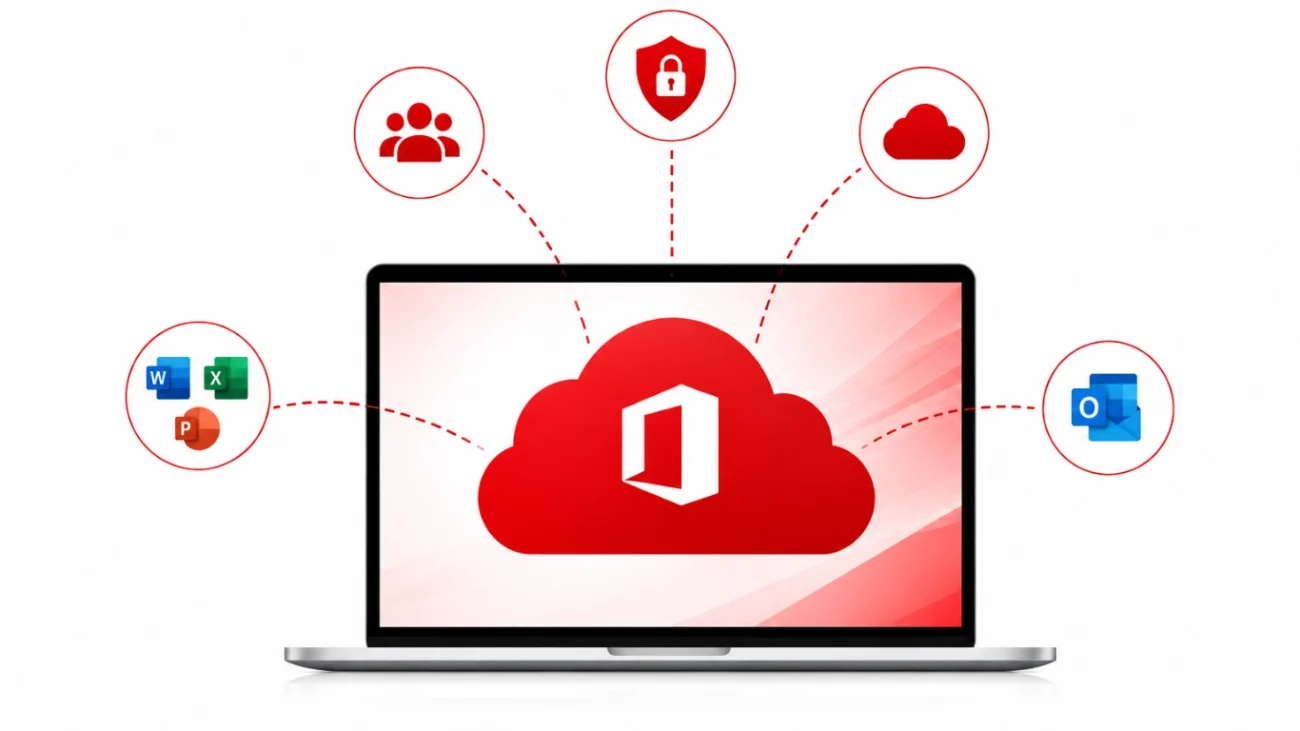
What is Microsoft 365?

What is Microsoft 365

People can access cloud and collaboration tools and Office applications (with which they are already familiar) and combine them with enterprise-level security.

This for Business combines the features of both desktop and cloud Microsoft applications, which is why millions of organizations around the world prefer that for Business.

What is Google Workspace?

What is Google Workspace

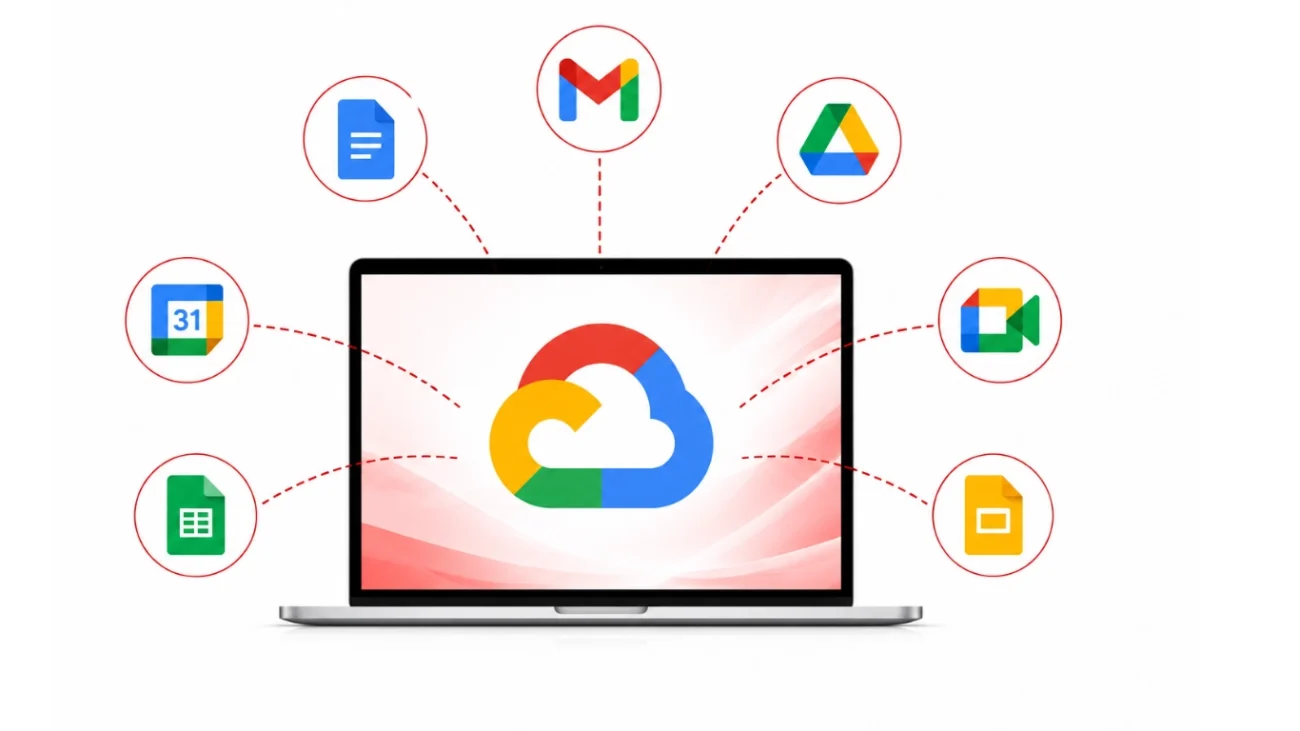
Google Workspace is Google’s collection of collaboration products that all run in the web browser and store everything in the cloud.

It contains:

Google Workspace for Business is a collection of products that simplifies business processes with collaborative tools and eliminates the need for the traditional desktop applications.

Microsoft 365 vs Google Workspace Comparison at a Glance

Feature

Microsoft 365

Google Workspace

Email

Outlook

Gmail

Office Apps

Desktop + Web

Web-first

Video Meetings

Microsoft Teams

Google Meet

File Storage

OneDrive

Google Drive

Collaboration

Excellent

Excellent

Spreadsheet Power

Excel

Google Sheets

Presentation Tool

PowerPoint

Google Slides

AI Assistant

Microsoft Copilot

Google Gemini

Security

Enterprise-grade

Enterprise-grade

Offline Access

Excellent

Limited compared to Microsoft

Best For

Medium & Large Businesses

Startups & Remote Teams

Microsoft 365 Features

A powerful productivity ecosystem is one of the reasons businesses invest in that products.

  • Desktop Office Applications – Find powerful desktop versions of your favorite Office. PowerPoint. Outlook. OneNote. And more. Unlike web-only productivity suites, desktop apps mean employees can work offline and have changes sync automatically. In the workplace, there is no shortage of productivity concerns Office apps give employees the tools they need to remain productive with the suite’s editing, formatting, and data analysis tools.
  • Microsoft Teams – Microsoft Teams is the go-to workplace communication and collaboration tool. Employees can converse with text, audio, and video and can securely share and work together on documents. Teams also allows users to create events and webinars. Microsoft Teams features the integration of M365 apps giving the team the tools to be productive, no matter if employees are in the workplace or not.
  • OneDrive – Microsoft’s solution to secure cloud storage is OneDrive. Employees can save and secure files on the cloud. OneDrive offers automatic back up and sync, secure file sharing and version history. cloud storage allows employees to work on the most recent documents, while also keeping the data secure.
  • SharePoint – SharePoint is ideal for the management of documents and collaboration. Easily build your intranet, automate workflows and improve the overall sharing of knowledge with your employees. SharePoint’s document storage with advanced permission controls helps secure collaboration and allows employees to work together.
  • Outlook – With Outlook, everything you need to manage your professional email and personal information is at your fingertips. Outlook combines email, Contacts, Calendars, Tasks, and Meetings scheduling all in one program. Through seamless integration with Teams and other Microsoft 365 applications, Outlook provides an organized and efficient method of managing your communications. Because of its advanced Shared Calendars, Outlook is one of the most trusted business email applications.
  • Microsoft Copilot – Microsoft Copilot is an AI-based in-app assistant that is fully integrated in Microsoft 365 for increased productivity in the workplace. Copilot drafts professional email correspondence, creates presentations, and summaries of Microsoft Teams meetings, as well as provides analysis of complex data in Microsoft Excel, and generates Reports. It is a game-changing Microsoft 365 application.

Google Workspace Features

Google Workspace revolves around the cloud and promotes collaboration. Using connective tools, teams can work together from any place. Applications are all integrated. It allows for the creation, communication, storage, and sharing of files without loss of security and ease of access.

  • GmailGmail is Google’s professional email service. It offers a business email address, spams filters, and phishing protections. It is professional and integrates directly with Google Calendar, Meet, Drive, and Contacts. Emails can be sent and received from any device, allowing for efficient communications from any location.
  • Google DocsGoogle Docs is a word processor, but it is cloud-based, allowing multiple users to create, edit, and review documents at the same time. Collaboration and editing happens in real time and document versions are no longer a concern. Google Docs can be accessed from any location and is saved directly to Google Drive.
  • Google SheetsGoogle Sheets is an application for the creation of an online spreadsheet. Teams can work together on the same sheet, and Google Sheets integrates formulas, charts, and all the tools necessary for analysis and data management. You can restore previous versions of the sheet at any time and Google Sheets saves your work automatically.
  • Google SlidesGoogle Slides is great for creating an online presentation. There is no requirement for software installation, as everything is done within the browser. Team members can easily view, edit, comment, and suggest changes for better presentation building. You can find built-in templates and animations and add multimedia as well as easily share your presentation, making Google Slides ideal for meetings and presentations.
  • Google MeetGoogle Meet is a great video conferencing app that is secure and reliable for businesses. Google Meet has HD video calls with the ability to share your screen, add live captions, and record meetings (in applicable plans). Google Calendar integration allows for easy scheduling. Staff can use desktops, smart phones, and tablets to join meetings.
  • Google DriveGoogle Drive is a secure and organized place to store and share files. Google Drive saves your files and syncs them across your devices, with enterprise-grade protections. Drive lets you customize the permissions of a file and offers options to control who can view, edit, or download a file.
  • Gemini AIGemini AI is the new Google AI and features assistance with Gmail, Google Docs, Google Sheets, Google Meet, and Google Drive. Gemini AI can help you find the words for your emails, create content for you, and summarize documents. Gemini AI can also help with the tedious analysis of data in Google Sheets and even help you create logs in Google Meet for you. Gemini AI helps you save time and accomplish so much more.

Collaboration Comparison

Microsoft 365

Microsoft integrates collaboration through:

  • Teams
  • SharePoint
  • Outlook
  • OneDrive

Documents sync automatically while supporting advanced formatting.

Google Workspace

Google Workspace focuses on:

  • Real-time editing
  • Instant collaboration
  • Browser-based access
  • Easy sharing

Small teams often find Google Workspace easier to adopt.

Security

Microsoft 365 Security includes:

  • Multi-Factor Authentication
  • Microsoft Defender
  • Advanced Threat Protection
  • Conditional Access
  • Information Protection
  • Data Loss Prevention
  • Identity Management
  • Compliance Center
  • Endpoint Security
  • Zero Trust Security

Businesses with strict compliance requirements often prefer Microsoft 365 Security because of its advanced protection capabilities.

Google Workspace Security includes:

  • Two-Step Verification
  • Advanced Phishing Protection
  • Spam Filtering
  • Secure Gmail
  • Endpoint Management
  • Admin Controls
  • Data Encryption
  • Vault for Compliance
  • Data Loss Prevention
  • Security Center & Alerts

For many small and medium-sized businesses, Google Workspace Security provides more than enough protection.

Pricing

Microsoft 365 

The exact pricing varies by region, but Microsoft generally offers:

  • Business Standard
  • Business Premium
  • Apps
  • Enterprise Plans (E3, E5)

Higher-tier plans include:

  • Desktop Office
  • Advanced security
  • Compliance tools
  • Device management
  • AI features

Businesses considering  should compare plans based on storage, security, and collaboration requirements rather than monthly cost alone.

Google Workspace 

Google Workspace provides several business plans including:

  • Business Starter
  • Business Standard
  • Business Plus
  • Enterprise

Higher plans offer:

  • More cloud storage
  • Better security
  • Enhanced Meet capabilities
  • Compliance features
  • AI enhancements

When evaluating Google Workspace Pricing, businesses should consider storage limits, AI tools, and administrative capabilities.

Storage Comparison

Microsoft 365

Google Workspace

OneDrive cloud storageGoogle Drive
SharePoint document librariesShared Drives
Offline synchronizationReal-time cloud access
File recoveryAutomatic synchronization
Enterprise backupVersion History & File Recovery

AI Comparison

Microsoft Copilot

Powered by advanced AI, Copilot assists with:

  • Word
  • Excel
  • Outlook
  • Teams
  • PowerPoint

Ideal for businesses already using Microsoft Office.

Google Gemini

Gemini works inside:

  • Gmail
  • Docs
  • Sheets
  • Meet
  • Drive

It emphasizes quick content generation and collaboration.

Microsoft 365 vs Google Workspace for Small Businesses

Microsoft 365 vs Google Workspace for Small Businesses

Small businesses usually care the most about costs, convenience, and speed.

Since all the tools in Google Workspace run on the browser, it’s typically accessible for small businesses compared to the rest, though  desktop apps are more advanced and better for developing small businesses, especially in complex document generation and data analysis.

If your team works with Excel, Outlook, or desktop apps in the Office suite, This is usually the better choice. On the other hand, Google Workspace can be a better option if your team is more focused on team-based online document editing and web-based tools.

Microsoft 365 vs Google Workspace for Enterprises

Large organizations usually require:

  • Compliance
  • Identity management
  • Security
  • Device management
  • Hybrid infrastructure
  • Advanced reporting

This generally provides a more comprehensive enterprise ecosystem through services like Azure Active Directory, Microsoft Defender, Intune, SharePoint, and advanced compliance features.

Pros and Cons

Microsoft 365

Pros

  • Powerful desktop applications
  • Industry-leading Excel
  • Advanced security
  • Excellent enterprise management
  • Strong hybrid work support
  • Deep Windows integration

Cons

  • Slightly steeper learning curve
  • Premium features cost more
  • More complex administration

Google Workspace

Pros

  • Easy to use
  • Fast collaboration
  • Browser-based productivity
  • Lower learning curve
  • Excellent Gmail experience
  • Seamless Integration

Cons

  • Limited desktop functionality
  • Fewer advanced spreadsheet features
  • Less powerful offline capabilities

Which One Should You Choose?

In evaluating  against Google Workspace, both tools are strong productivity suites, but it is the better option for businesses that need additional advanced functionality. It offers a fully integrated suite of both desktop and cloud applications, security at an enterprise level, sophisticated collaboration tools, and advanced IT Management applications.

Select Microsoft 365 if your business:

Choose Google Workspace if your business:

Final Verdict

Microsoft 365 offers the best long term solution for the majority of businesses. That integrates the most advanced security and productivity applications with seamless cloud integration and advanced collaboration features and enterprise level management with Microsoft Teams. Google Workspace offers simple cloud collaboration, but itoffers a better solution for businesses that need a range of advanced productivity tools.

How Chipin Corp Can Help

Choosing your productivity platform is just the first step. The rest is planning, migrating data securely, configuring advanced security and protecting your data every step of the way. Not to mention, training your users and providing extra IT support as required. Regardless of your choice of Microsoft 365 or Google Workspace, professional services will mean an extensive downtime, yet, your collaboration will be enhanced, and the security and integration into your existing business applications will be improved. We at Chipin Corp, help businesses deploy, migrate and manage cloud productivity solutions, so your staff can do their work while you keep them safe.

Chipin Corp offers businesses in the UAE:

If your business is moving to either Google Workspace or Microsoft 365, our certified IT professionals will make the process easy with little disruption to your business.

Final Thoughts

There are many factors you must consider before deciding between Microsoft 365 and Google Workspace. These include the size of your company, your daily operations, the required accessibility and cybersecurity, and the future extensions of your company. Luckily, neither is better than the other when it comes to productivity, cloud storage, collaboration, and A.I. tools.

If your company has a physical location and desktop applications. If your company needs advanced compliance and security, This is the better option. If your company is looking for simplicity, in-browser collaboration, and a faster deployment, Google Workspace is the better option.

If you don’t know which solution is better for your company, Chipin Corp will evaluate your needs and goals, deploy the correct solution, securely migrate your data, and offer managed IT support and services to help your company the most.

Frequently Asked Questions

Is Microsoft 365 better than Google Workspace?

Microsoft 365 is better for enterprise customers needing Office apps and additional sophisticated enterprise management and security features. Google Workspace is better for collaboration and varying use-cases.

Both Microsoft 365 and Google Workspace secure data in transit and data at rest. Microsoft 365 offers larger enterprises additional sophisticated security, compliance, and identity features.

Microsoft 365 and Google Workspace entry-level plans are comparably priced. Which is better value will depend on costs versus features and other business-related use cases, including storage, artificial intelligence, and security.

Yes. There are services that professionally assist to migrate email, calendar, and contacts, as well as documents and the creation of user accounts and many other things that are normally disruptive.

Google Workspace is intentionally designed for cloud collaboration. Microsoft 365 has more to offer for hybrid work and collaboration and advanced enterprise meetings.