Immediate Steps to Take If You Suspect a Virus
Acting quickly is essential to reduce the impact of malware. Here are the most important steps you should follow.
1. Disconnect Your Computer From the Internet
The first thing you should do is disconnect your system from the internet and any shared network connections.
This helps:
Businesses operating on shared office networks should isolate infected systems immediately to protect servers and company infrastructure. Organizations using professional Network Cabling Dubai and Structured Cabling Dubai services can often isolate infected devices more effectively through properly managed network infrastructure.
2. Avoid Logging Into Sensitive Accounts
Do not access banking websites, business portals, email accounts, or confidential applications from the infected system.
Viruses may capture:
Use another secure device to change important passwords immediately.
3. Restart the Computer in Safe Mode
Safe Mode launches your system with minimal drivers and processes, which can help prevent malware from running.
In Safe Mode:
This step can improve malware detection significantly.
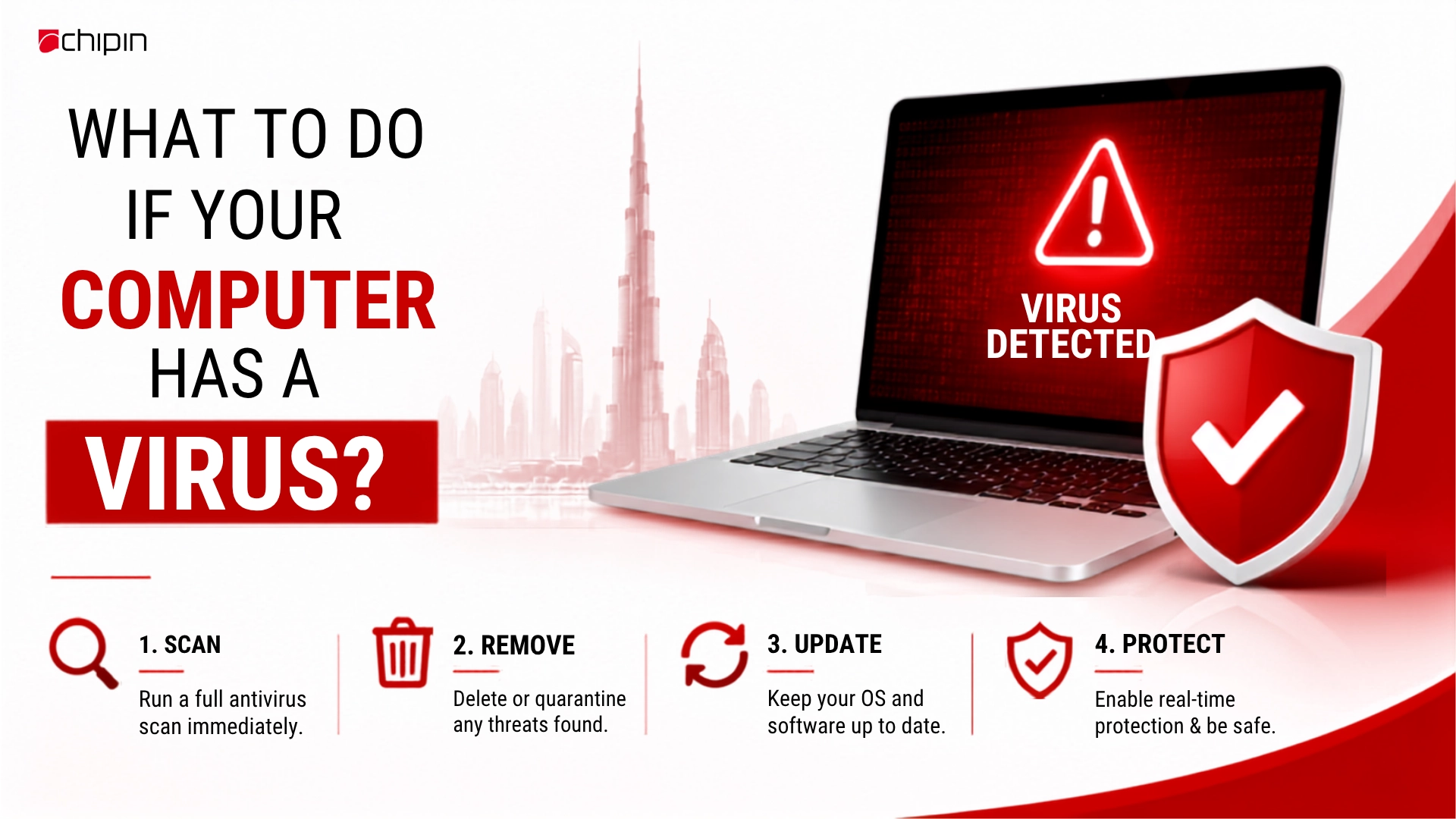
4. Run a Full Antivirus Scan
Install or update trusted antivirus and anti-malware software. Then perform a complete system scan.
A full scan can:
Avoid free or unknown antivirus tools from suspicious websites.
Professional Cybersecurity Services Dubai providers often use advanced endpoint detection systems that offer stronger protection than standard consumer antivirus programs.
5. Remove Temporary Files
Deleting temporary files can help speed up scans and remove hidden malicious files.
You can clear:
This step may also improve overall system performance.
6. Backup Important Files
If your files are still accessible, create backups immediately using secure storage solutions.
Businesses should maintain
Cloud Backup Solutions UAE help organizations protect critical business data against ransomware and accidental file loss.Always scan backup files before restoring them to another device.
7. Change Your Passwords
Viruses may steal login credentials silently in the background.
Change passwords for:
Companies using Microsoft 365 Services Dubai should also enable security monitoring and account protection features.
8. Update Your Operating System and Software
Outdated systems are common targets for hackers.
Install updates for
Security patches close vulnerabilities that attackers may exploit. Managed IT Services Dubai providers often automate patch management to ensure systems stay updated and secure.
9. Check Installed Applications
Review your installed applications carefully.
Remove:
Only keep trusted applications from verified sources.
10. Monitor Financial and Business Accounts
If the infection may involve data theft, monitor all important accounts for suspicious activity.
Watch for:
Businesses should notify IT administrators immediately if sensitive company data may have been exposed.