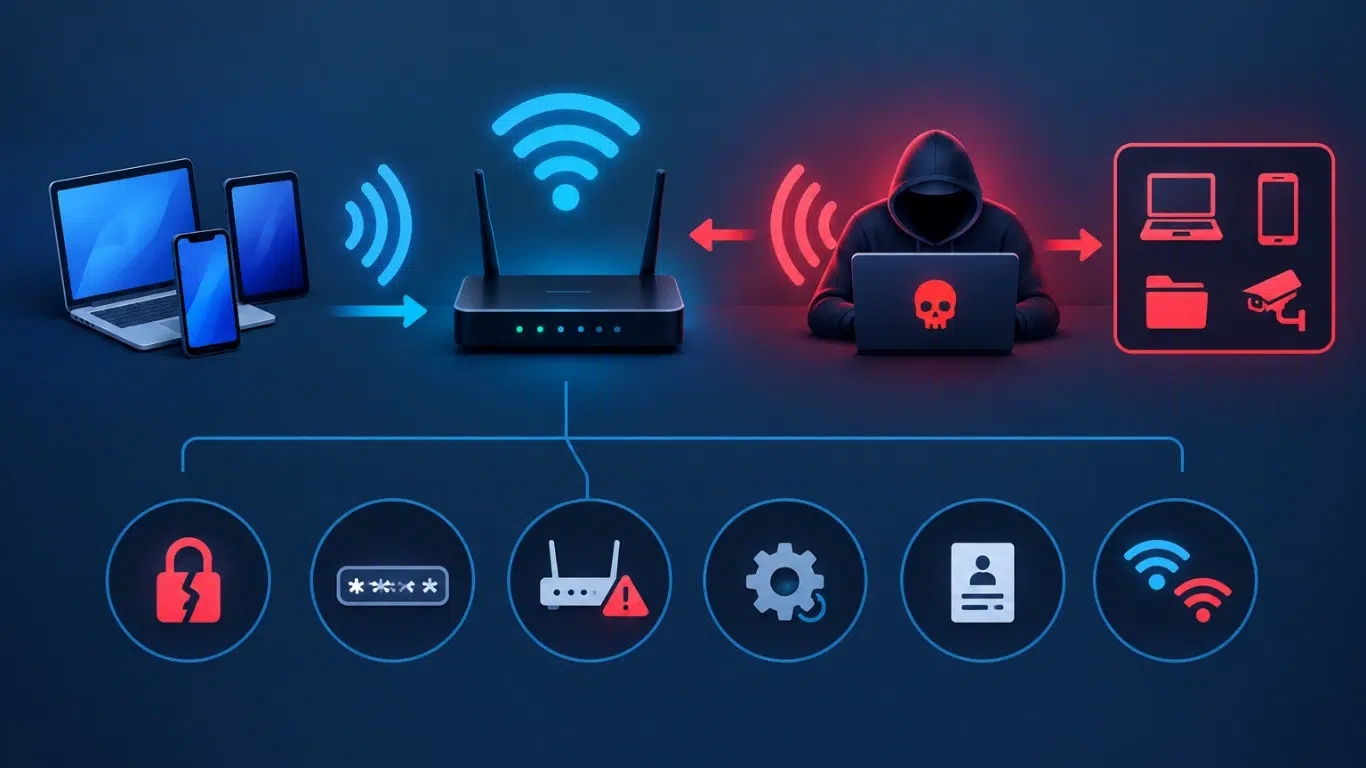
A hack of a WiFi password involves trying to obtain unauthorized access to a wireless network by taking advantage of weak passwords, obsolete security protocols, insecure devices, social engineering, or other flaws in wireless security. Although a strong password is helpful, today’s WiFi security needs more than just changing the password.
Laptops, smartphones, servers, CCTV cameras, printers, IoT devices and business applications are now connected via wireless networks; as a result, WiFi network security has become an important element of overall cybersecurity. The current advice regarding security is increasingly in favour of using WPA3, ensuring that firmware is updated, implementing network segmentation, employing stronger authentication, and exercising careful management of public and guest WiFi.
Can Someone Hack a WiFi Password?
A WiFi network can potentially be compromised when security controls are weak or outdated. However, this does not mean that every WiFi network is easy to hack.
Attackers generally look for the weakest part of the wireless environment. This could be:
Password attacks may consist of guessing, the use of automated attacks or the use of stolen credentials. BeyondTrust points out that modern password attacks are increasingly relying on automation and techniques assisted by AI, which makes weak and reused passwords especially dangerous.
What is important is that securing WiFi is not just a matter of hiding or altering the password; the whole wireless environment must be protected.
How Does WiFi Password Hacking Work?
There is no single method used for every WiFi password attack. Attackers may combine technical weaknesses with human mistakes.
1. Weak WiFi Passwords
Short, predictable or commonly used passwords are easier to guess. Passwords based on names, birthdays, company names or simple words can increase risk.
A long, unique passphrase is generally a better choice than a short password with predictable substitutions.
2. Password Attacks
Attackers may attempt password guessing or automated password attacks against vulnerable authentication systems. The risk becomes greater when users reuse the same password across different services.
The same principle applies to WiFi: a unique wireless password reduces the consequences of credential reuse.
3. Outdated WiFi Security
Older wireless security technologies provide weaker protection than modern standards. WPA3 is the latest generation of WiFi security and provides stronger authentication and cryptographic protections than older standards. WPA2 can still provide effective protection when properly configured, supported by a strong password and kept updated.
4. Rogue and Fake WiFi Networks
A rogue WiFi network is an unauthorized wireless network that may be created to imitate a legitimate network.
One common example is an evil twin WiFi attack, where an attacker creates a network with a name similar to a trusted WiFi connection. If someone connects to the wrong network, their traffic may be exposed to additional risks.
Varonis highlights how devices that automatically reconnect to familiar network names can create opportunities for rogue access points and man-in-the-middle attacks.
Common WiFi Security Risks
Understanding the most common threats makes it easier to protect a network.
Some WiFi attacks focus directly on the wireless network, while others target the devices and users connected to it. This is why WiFi network security should be treated as part of a broader cybersecurity strategy.
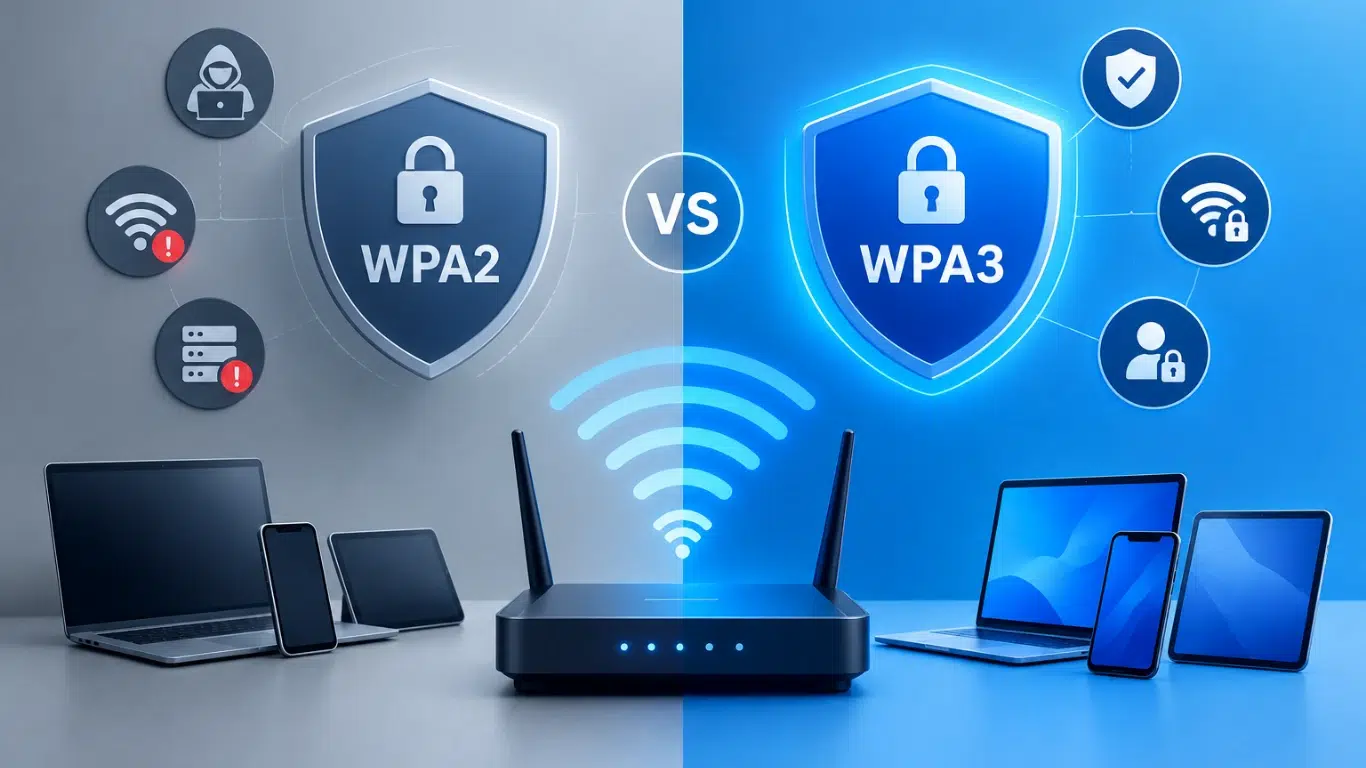
WPA2 vs WPA3: Which Is More Secure?
WPA3 is more secure than WPA2 and should be preferred when your router, access points and devices support it.
Microsoft recommends WPA3 when supported, while its current Windows guidance describes WPA3 as providing stronger authentication and increased cryptographic strength.
For businesses, WPA3-Enterprise can provide stronger identity-based authentication using 802.1X and RADIUS rather than relying solely on one shared WiFi password.
How to Protect Your WiFi From Hackers
You do not need to wait until you suspect a WiFi password hack. A few practical security measures can significantly improve your wireless network security.
1. Use a Strong, Unique WiFi Password
Avoid names, phone numbers, company names, birthdays and common words.
Use a long, unique passphrase that is not reused elsewhere.
2. Choose WPA3 When Available
Check your router or access point settings. If your equipment supports WPA3, use it instead of older security options.
If WPA3 is not available, use properly configured WPA2 rather than obsolete wireless security standards.
3. Update Router Firmware
Router and access-point firmware should be kept current. Updates can address security vulnerabilities and improve stability.
Do not assume that a new router automatically remains secure forever.
4. Disable Unnecessary Features
Review router settings and turn off features you do not need. Also change default administrator credentials.
Unused services and default settings can increase the attack surface.
5. Create a Separate Guest Network
Visitors should not normally have direct access to the same network used by employees, servers or business systems.
A separate guest WiFi network helps isolate visitors and reduces the potential impact of a compromised guest device.
6. Separate IoT and CCTV Devices
Smart TVs, printers, CCTV cameras, access-control systems and other IoT devices may have different security requirements from employee computers.
Businesses can place these devices on separate network segments or VLANs, limiting unnecessary communication between systems.
Network segmentation is specifically recommended as a way to reduce the potential impact of a wireless compromise.
7. Disable Automatic Connection to Unknown WiFi
Avoid allowing devices to automatically connect to unfamiliar or unnecessary networks.
When using public WiFi, verify the network name and avoid connecting to suspicious duplicate networks.
8. Monitor Connected Devices
Regularly check which devices are connected to your network.
Unknown devices, unexpected configuration changes, unusual bandwidth consumption or sudden performance problems can be warning signs that deserve investigation.
Is Public WiFi Safe?
Public WiFi is convenient, but it should not automatically be considered trusted.
A fake access point can imitate a legitimate network, while unsecured or poorly protected networks may expose users to additional risks.
When using public WiFi:
Check Point similarly recommends checking network names, disabling auto-connect, using additional protection such as VPNs where appropriate and enabling MFA for sensitive accounts.
WiFi Security for Businesses
For businesses, wireless security needs to go beyond a shared WiFi password.
A modern enterprise WiFi security strategy can include:
This is becoming even more important as businesses connect more devices to wireless networks.
Cisco’s 2026 State of Wireless research highlights the growing importance of wireless infrastructure while identifying security, complexity and operational challenges as major concerns. Its research also links full WPA3 adoption with stronger expected wireless security outcomes.
Check Point similarly recommends checking network names, disabling auto-connect, using additional protection such as VPNs where appropriate and enabling MFA for sensitive accounts.
WiFi Security Trends in 2026
Wireless security is changing alongside WiFi technology.
WPA3 Adoption
WPA3 is becoming increasingly important for new wireless deployments. It provides stronger protection and supports modern authentication requirements.
Wi-Fi 7 Security
Wi-Fi 7 is becoming part of modern network infrastructure. Microsoft currently supports Wi-Fi 7 and WPA3 in Windows 11, while enterprise environments increasingly need wireless infrastructure that can handle higher performance and security requirements.
Identity-Based WiFi
Businesses are moving away from relying only on shared passwords. Enterprise authentication can associate access with users and devices, providing better control over who can connect.
IoT and Wireless Security
The number of wireless-connected devices continues to increase. Printers, cameras, sensors, smart devices and business equipment can all become part of the attack surface.
AI and Wireless Operations
AI is also becoming relevant to wireless network management and security. Cisco’s 2026 research describes AI as both an opportunity and a challenge for enterprise wireless operations, with increasing complexity and security concerns.
What Should You Do If You Suspect a WiFi Hack?
If you notice unknown devices, unexpected configuration changes, unusual network activity or unexplained performance issues, start by reviewing your router and access-point settings.
Change the WiFi password, update router firmware, remove unknown devices, review administrator accounts and check whether your security configuration is using WPA2 or WPA3.
For a business network, avoid simply changing the password and assuming the issue is solved. A professional wireless network security assessment can help identify compromised devices, configuration weaknesses, rogue access points and segmentation problems.
Secure Your WiFi. Protect Your Business.
Don’t let weak WiFi security put your business data, devices, and users at risk. Chipincorp provides reliable network security and IT infrastructure solutions designed to keep your business connected, protected, and ready to grow.
From WiFi security and network setup to cybersecurity, monitoring, and IT support, our experts help businesses across the UAE build secure and reliable IT environments.
🔐 Protect your network before a security issue becomes a business problem.
👉 Talk to a Chipincorp IT Expert Today
Final Thoughts
A WiFi password hack is only one part of the broader wireless security problem. Strong passwords remain important, but modern protection also requires WPA3, updated firmware, network segmentation, secure authentication, device monitoring and user awareness.
For homes, these steps can prevent many common WiFi security problems. For businesses, wireless security should be integrated with the wider network and cybersecurity strategy.
As WiFi 7, IoT devices, cloud applications and AI-driven operations continue to expand, securing wireless infrastructure is no longer optional. A properly designed WiFi security strategy can help businesses reduce unauthorized access, protect connected devices and build a more resilient network.
Need help securing your business WiFi and network infrastructure?
Visit Chipin Corp for professional network security and IT infrastructure solutions in the UAE.
Frequently Asked Questions
About the Author